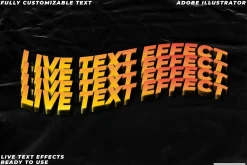
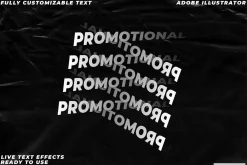
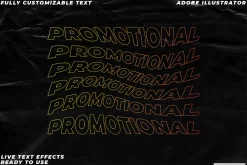
25 Illustrator text effects Kinetic
Original price was: 19,00 $.13,99 $Current price is: 13,99 $.
About
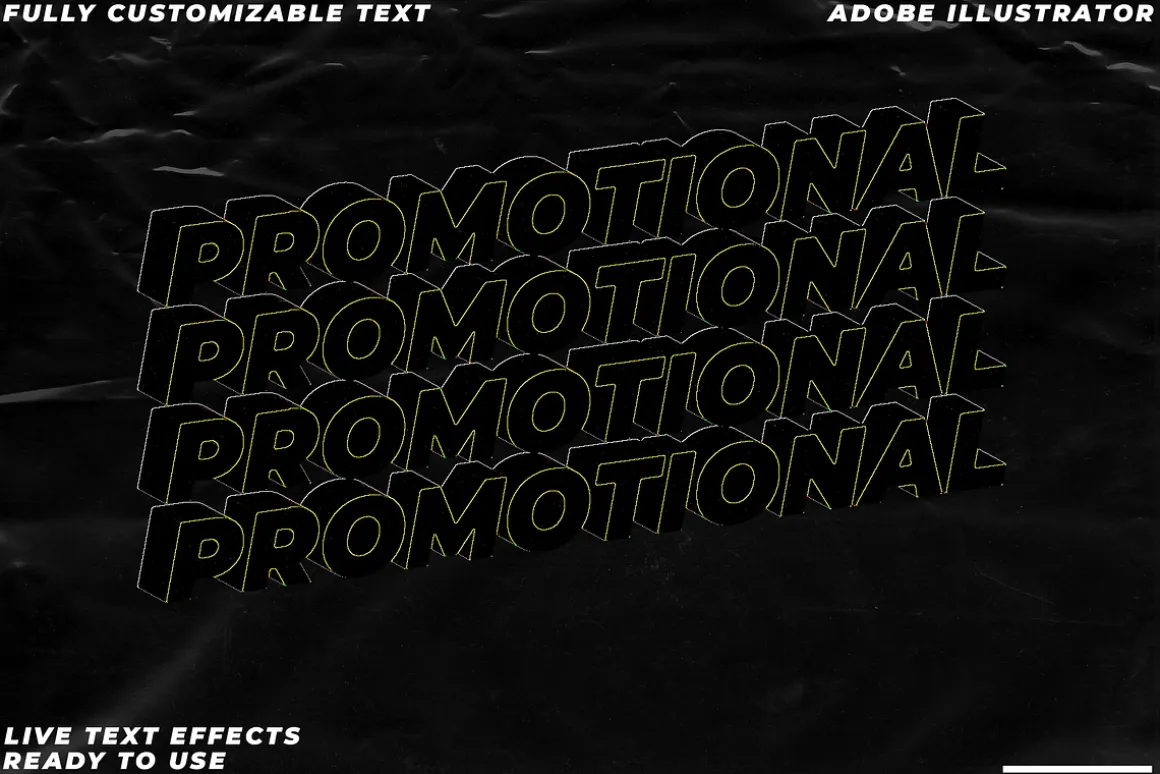
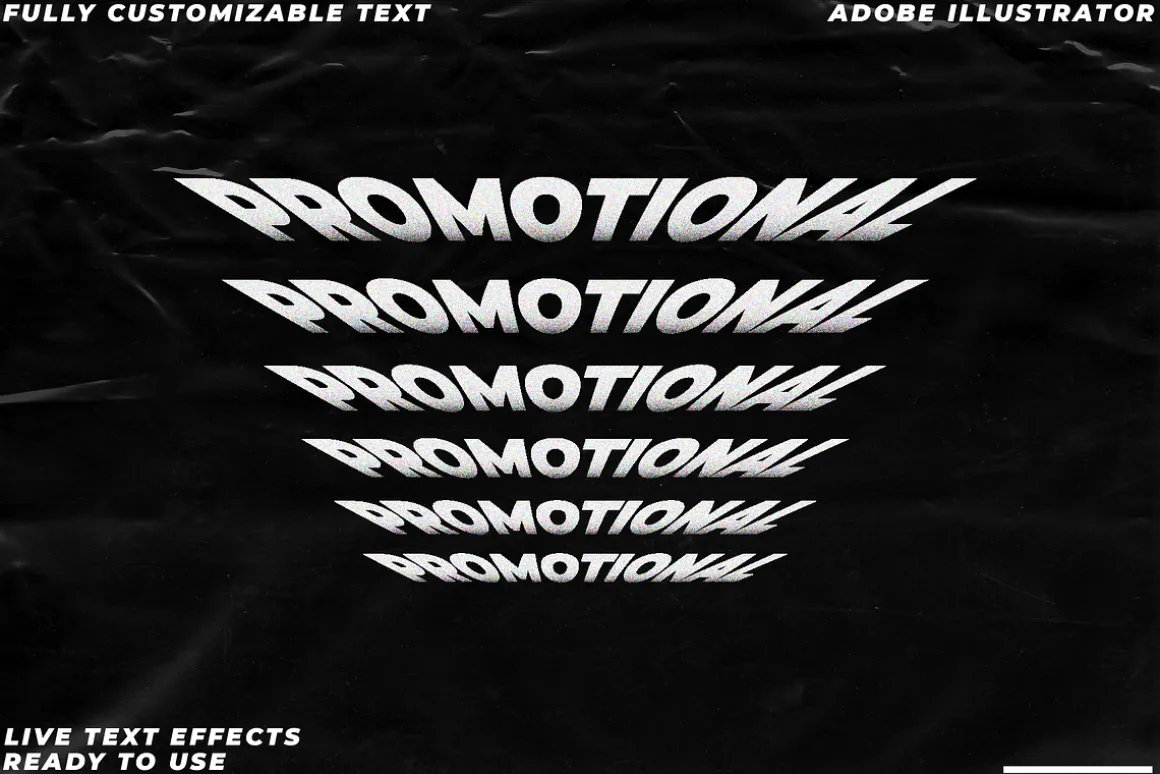
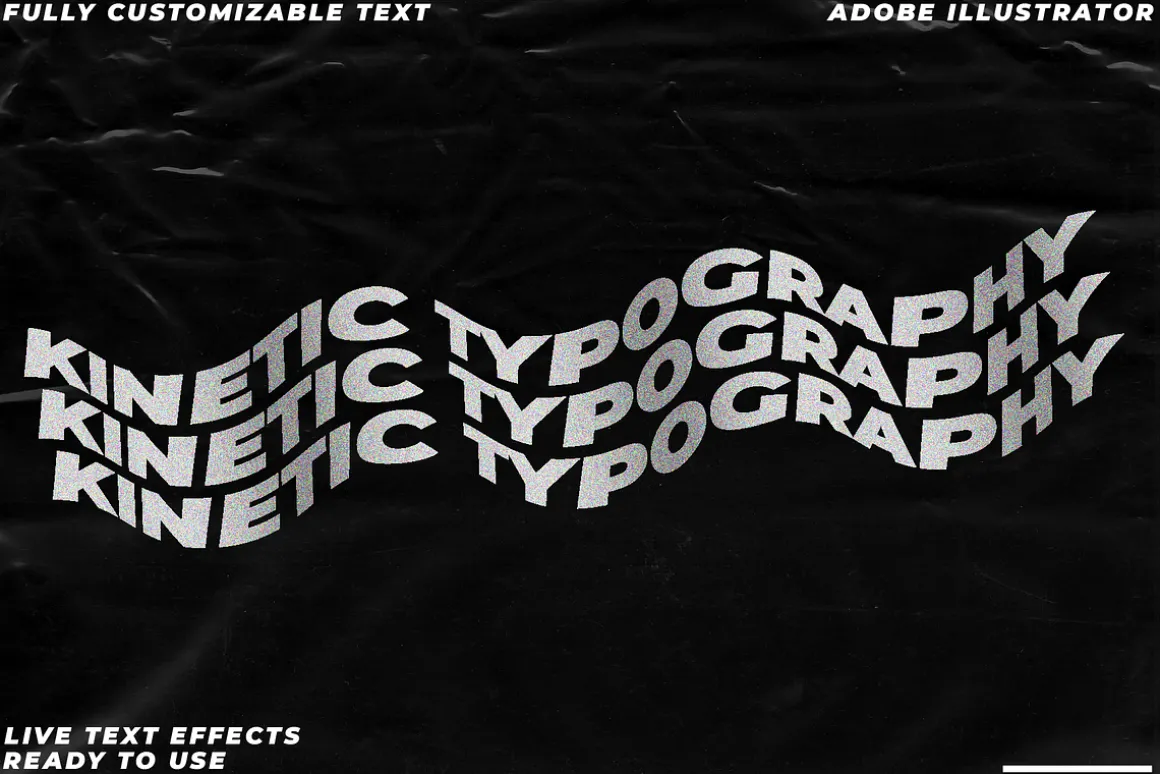
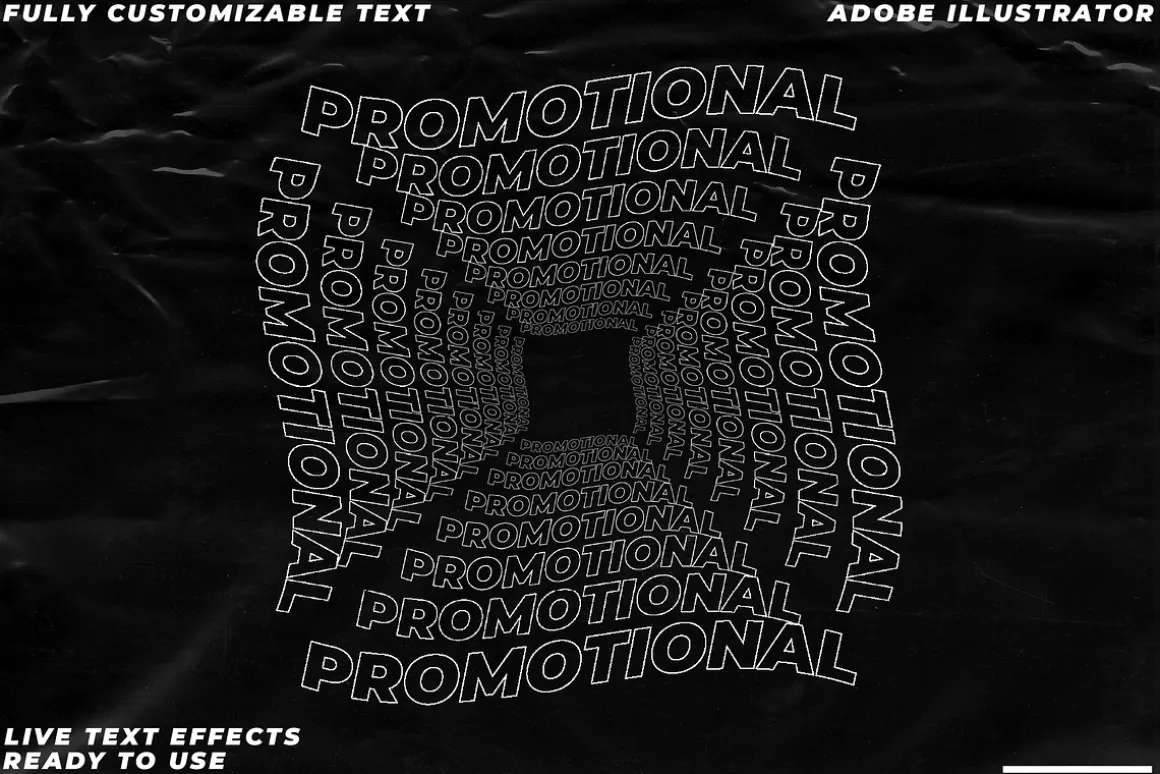
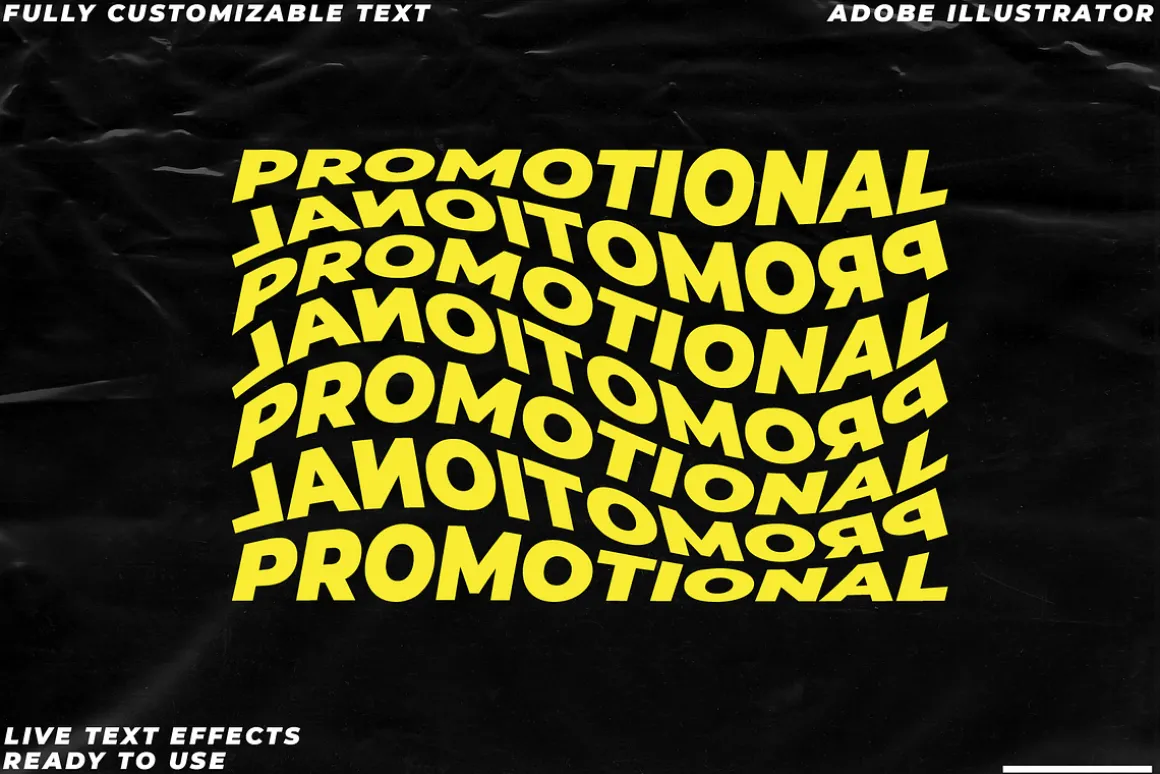
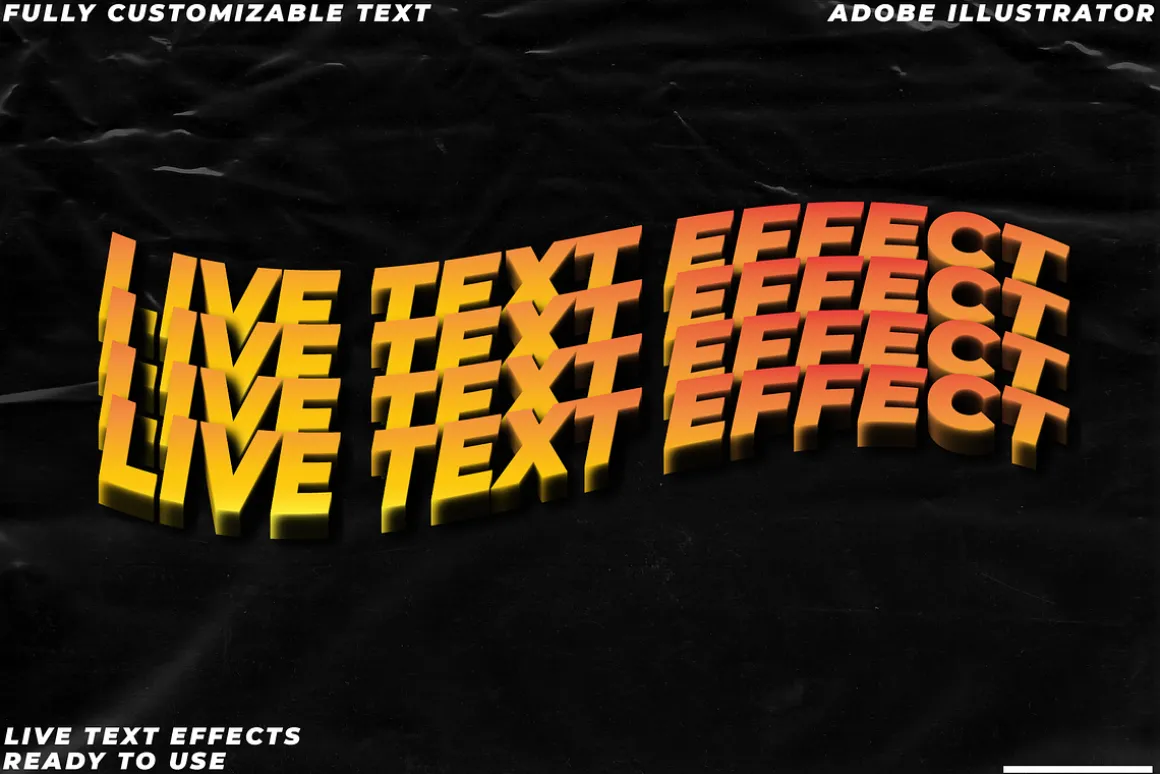
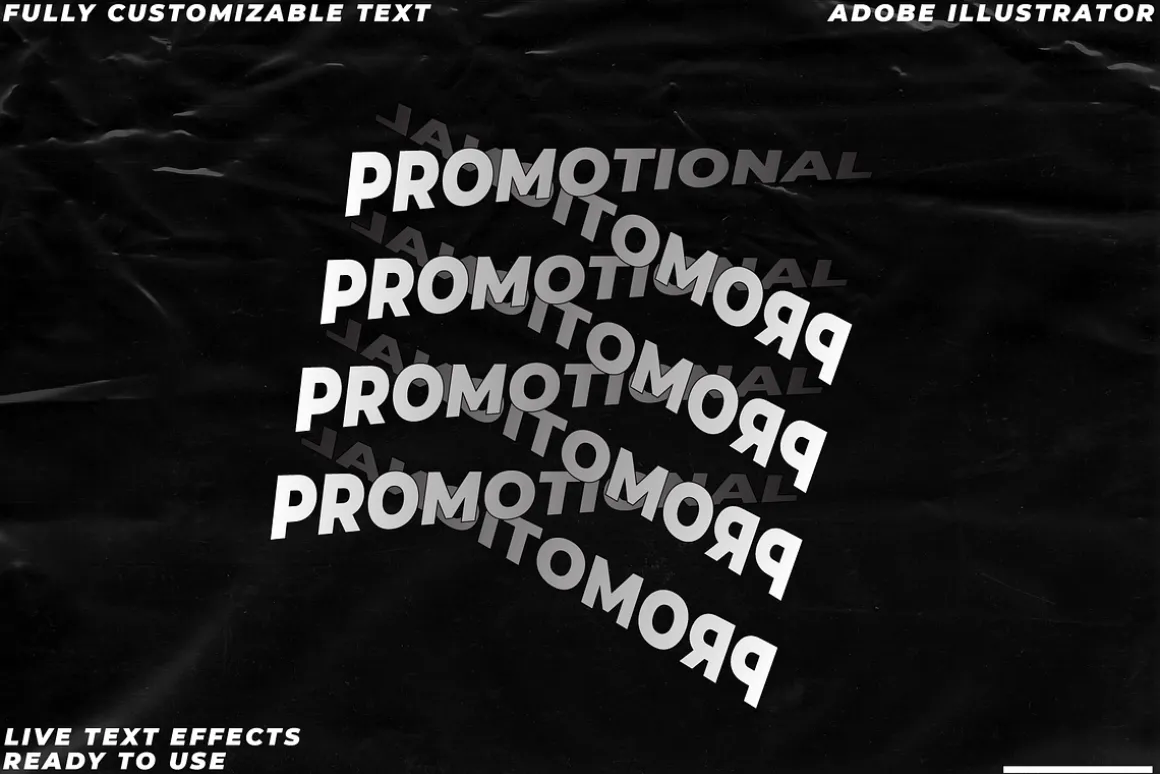
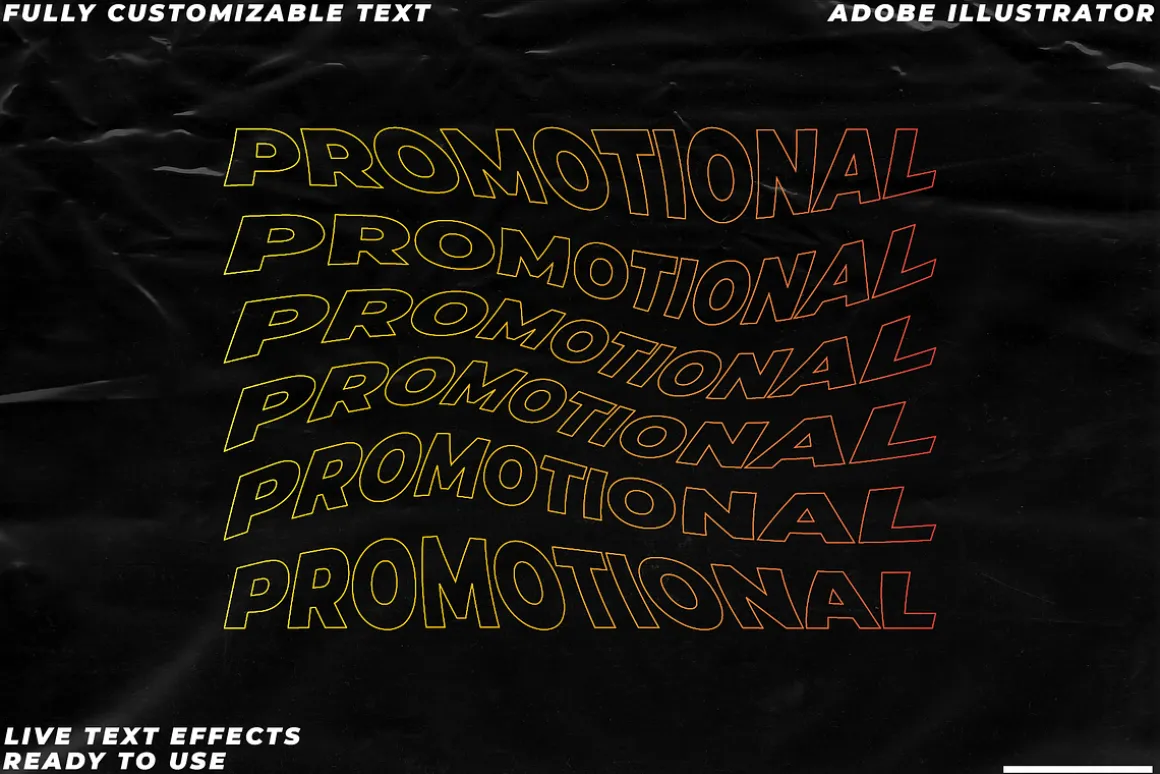
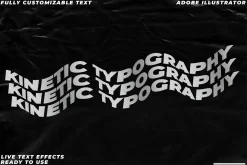
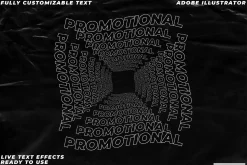
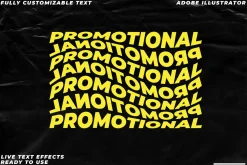
If you’re a designer looking to take your work up a notch, then look no further than our trendy text effect. Live text effects are made in Adobe Illustrator and give you the flexibility of changing colors and even applying gradients on live text using the appearance panel.
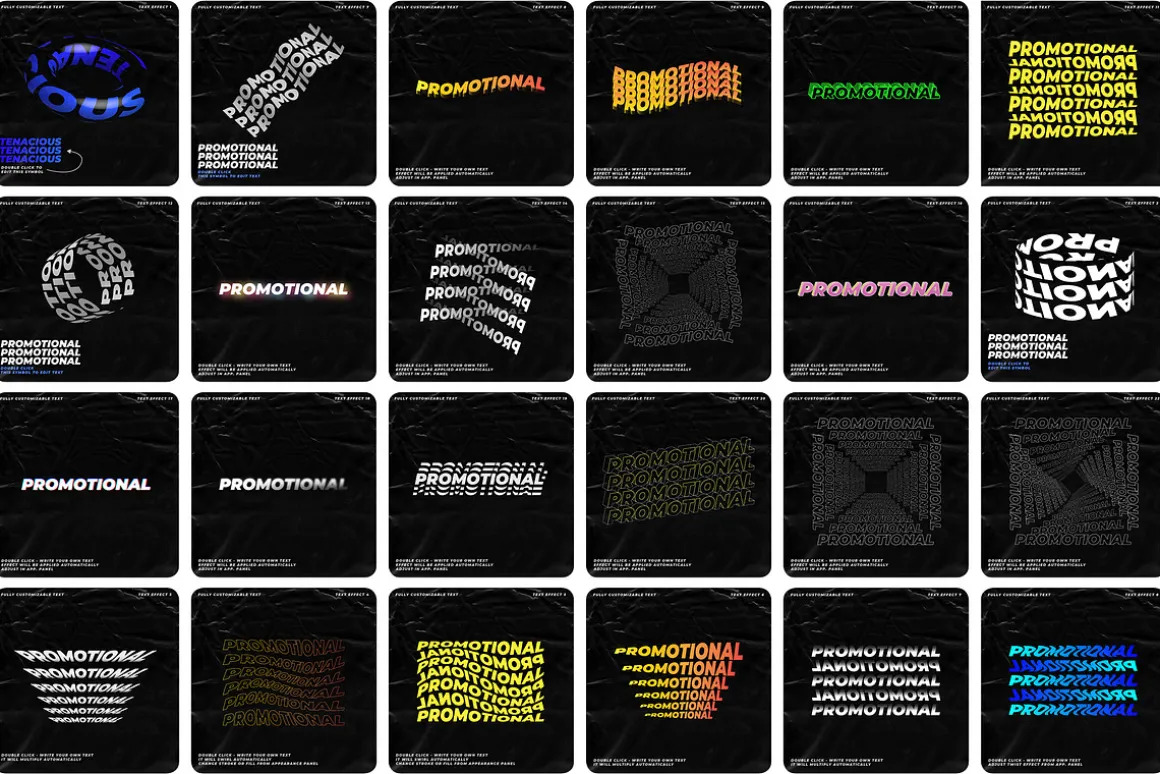
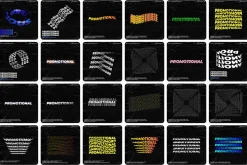
With 25 different effects that can be tinkered, updated or used as-is, it’s perfect for creating stunning visuals for social media posts, blog posts or any other online medium. Get creative with our easy-to-use tools today!
What you get
25 AI Files text effects as shown in the previews
How to use:
For live text effects
Just click and type. that’s it!
For 3d objects
Double click the symbol under the artworkor inside symbols panel. write your text and close.
Tips:
-Tinker with the appearance settings.you might discover even cooler effects.
-Change color and stroke from app. panel.
-It’s possible to gradient fill or strokewithout outlining the text.
If you have any questions, feel free to drop me a message!
| Pick | Commercial, Extended Commercial, Personal |
|---|
Be the first to review “25 Illustrator text effects Kinetic”
Related products


Adobe Illustrator


Brushes & Effects

Adobe Photoshop


Adobe Lightroom


Brushes


Brushes & Effects

Brushes

Brushes & Effects

Brushes


Brushes
Adobe Photoshop


Brushes
Adobe Illustrator

Adobe Illustrator

Brushes


Adobe Photoshop
Reviews
There are no reviews yet.