



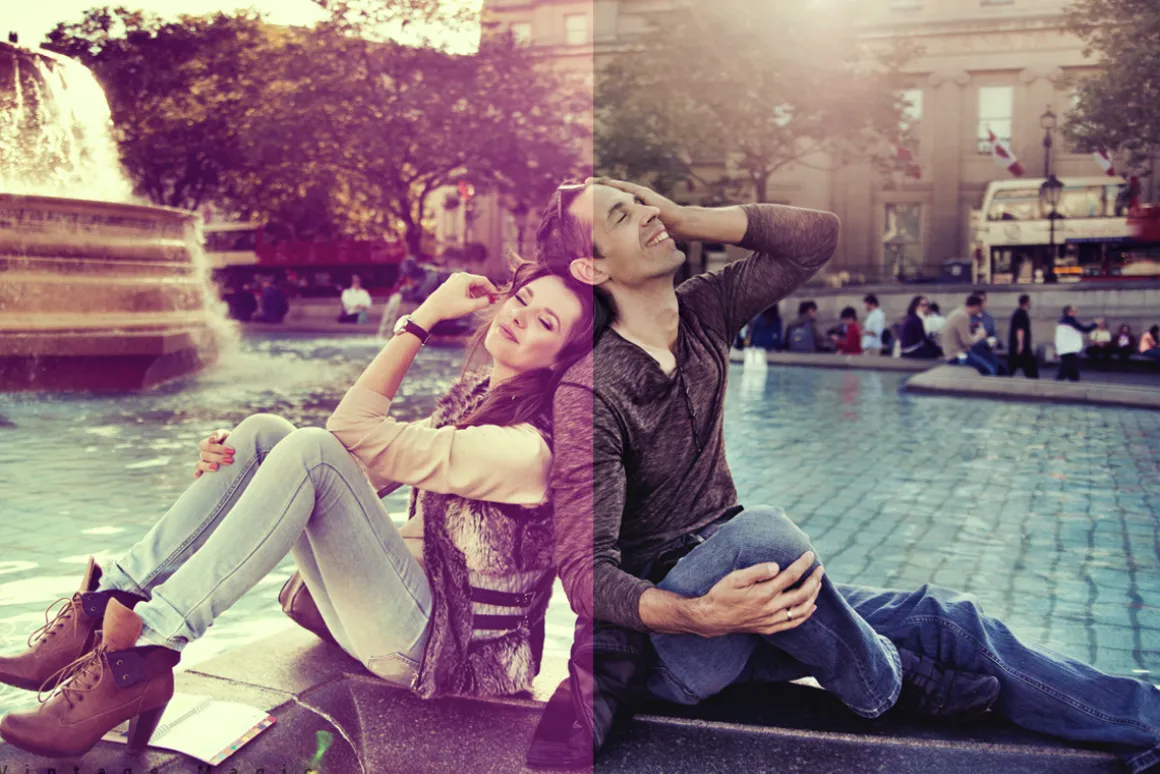
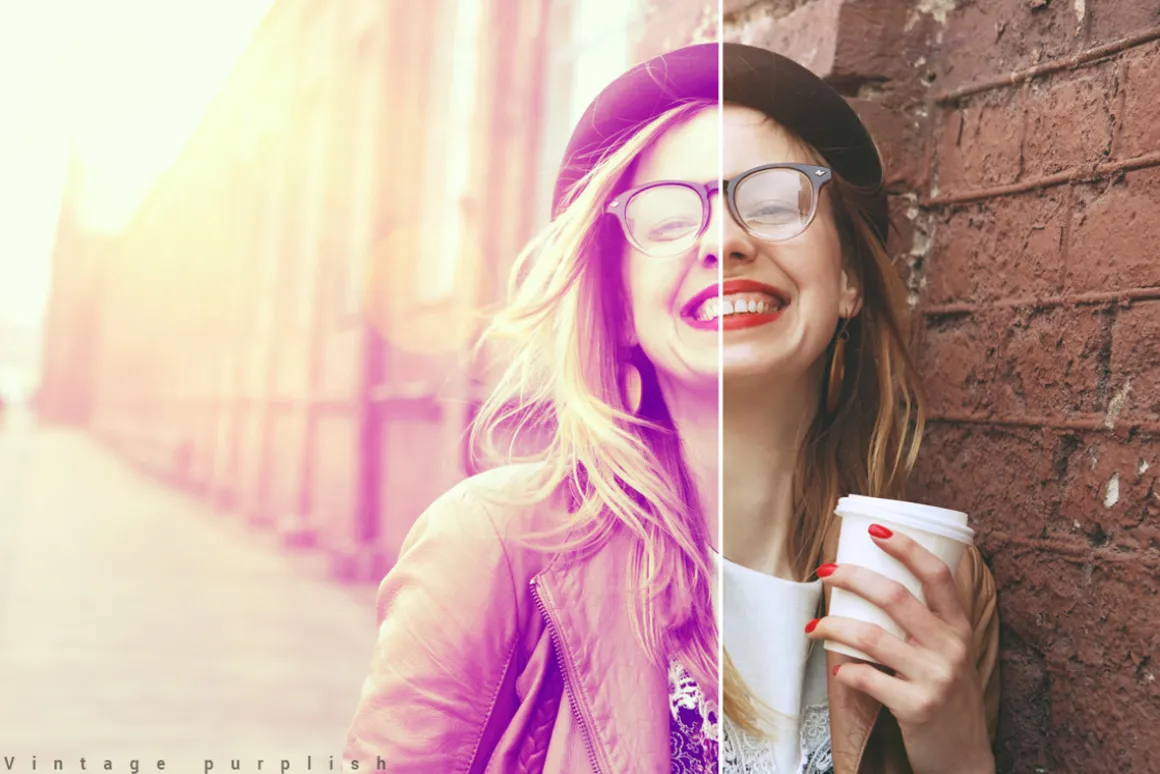
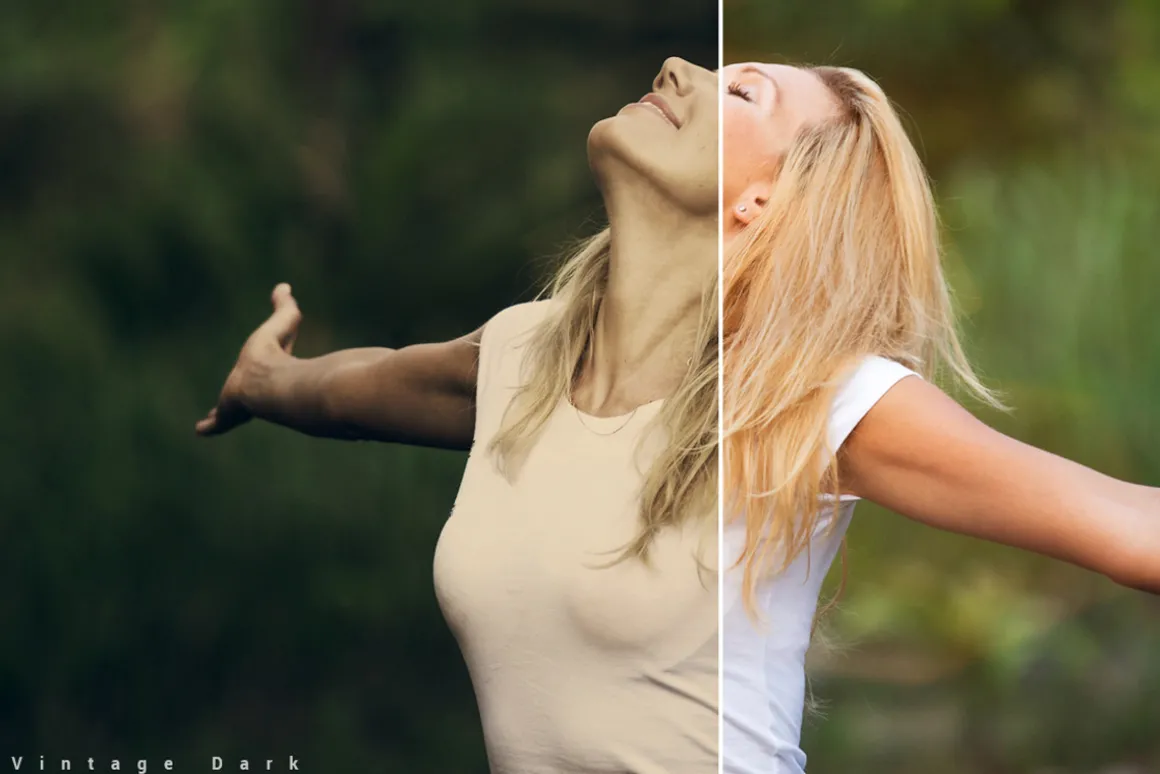


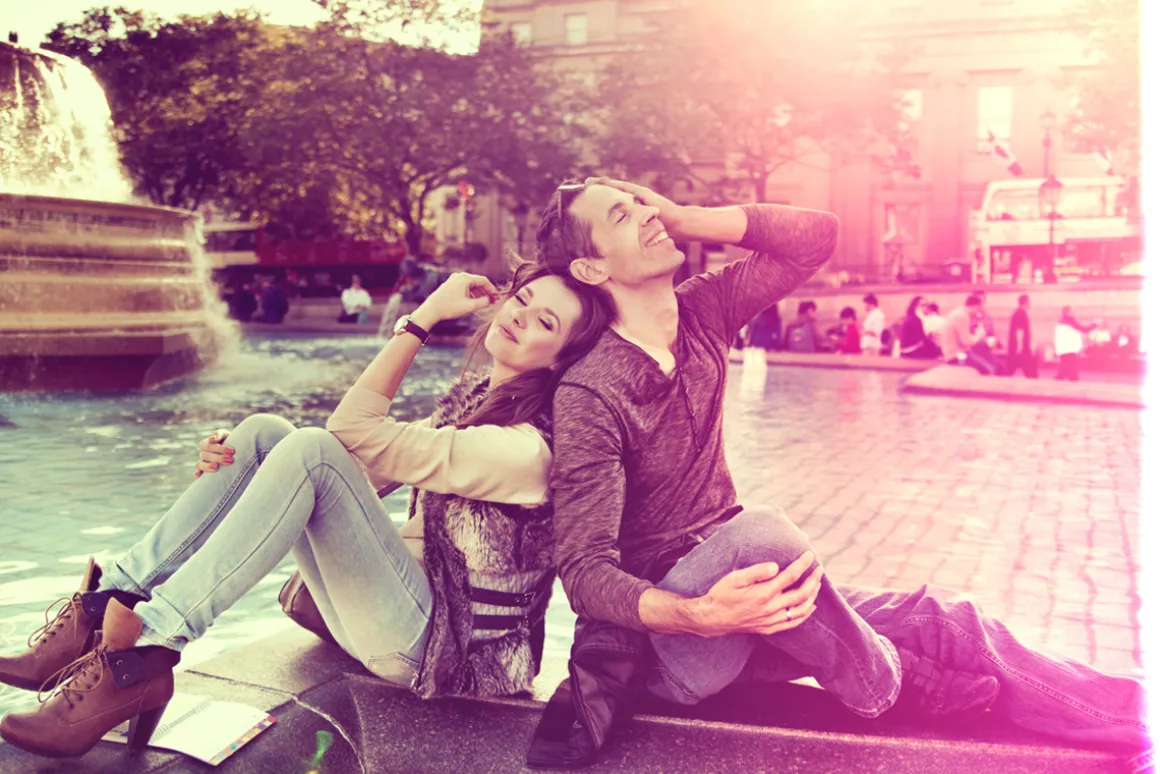


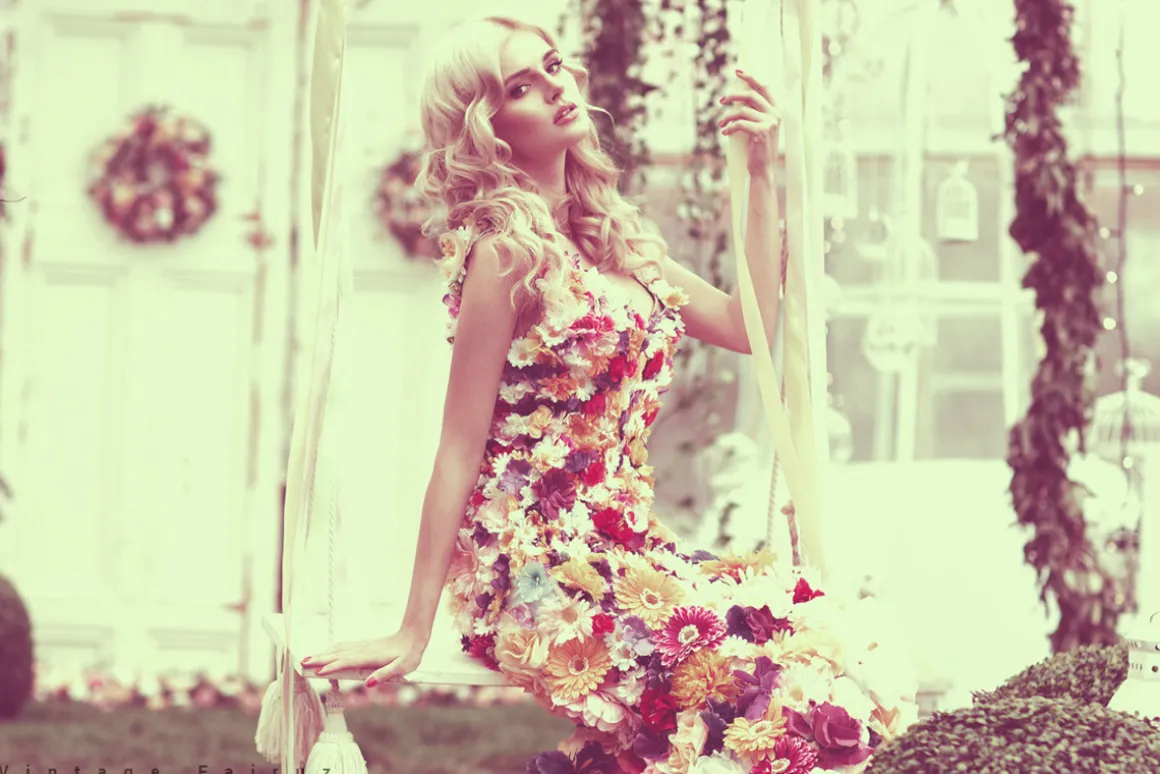
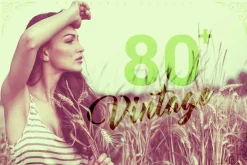
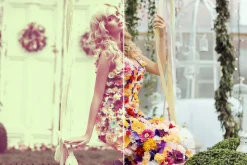


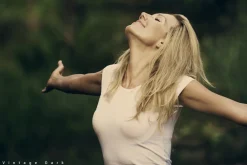







80+ Vintage Actions
10,99 $
About
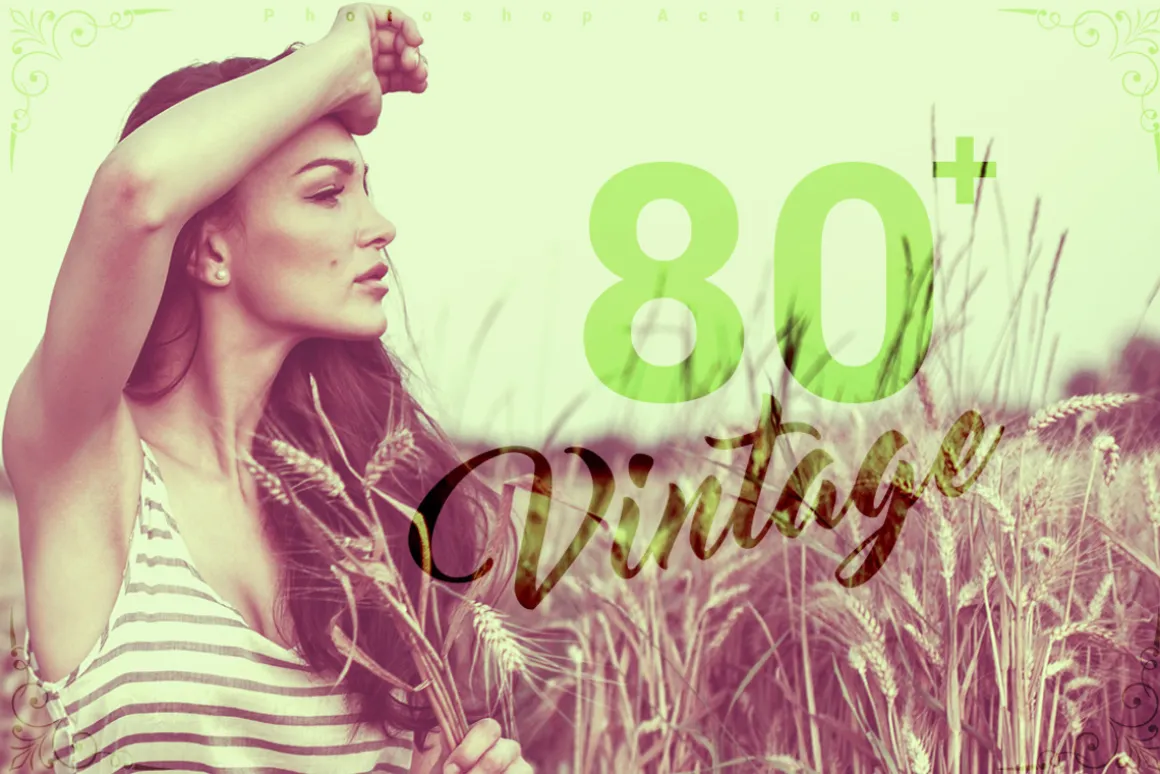
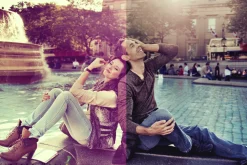
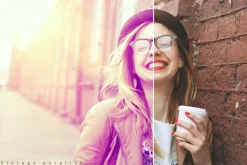
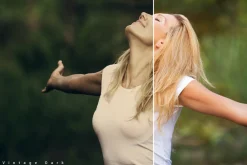
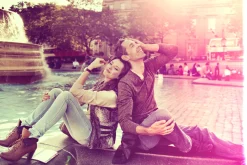
80+ Vintage Actions
- Photoshop Action
- 80+ ATN files
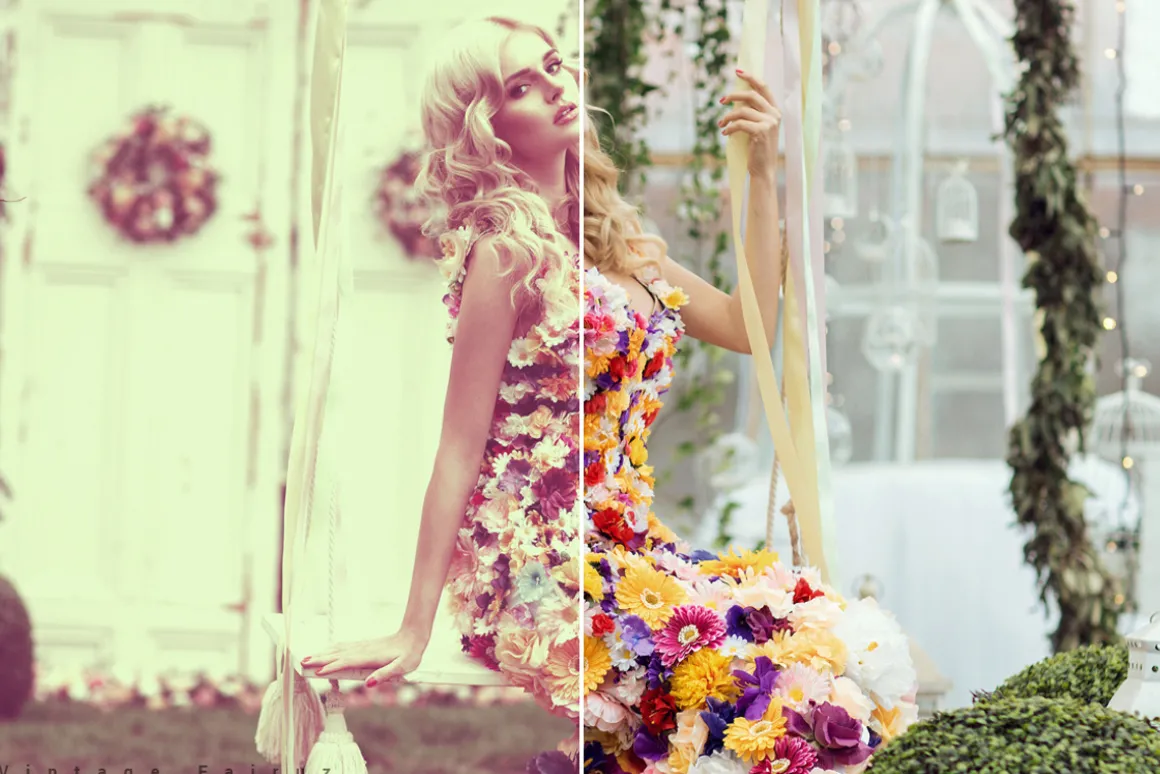
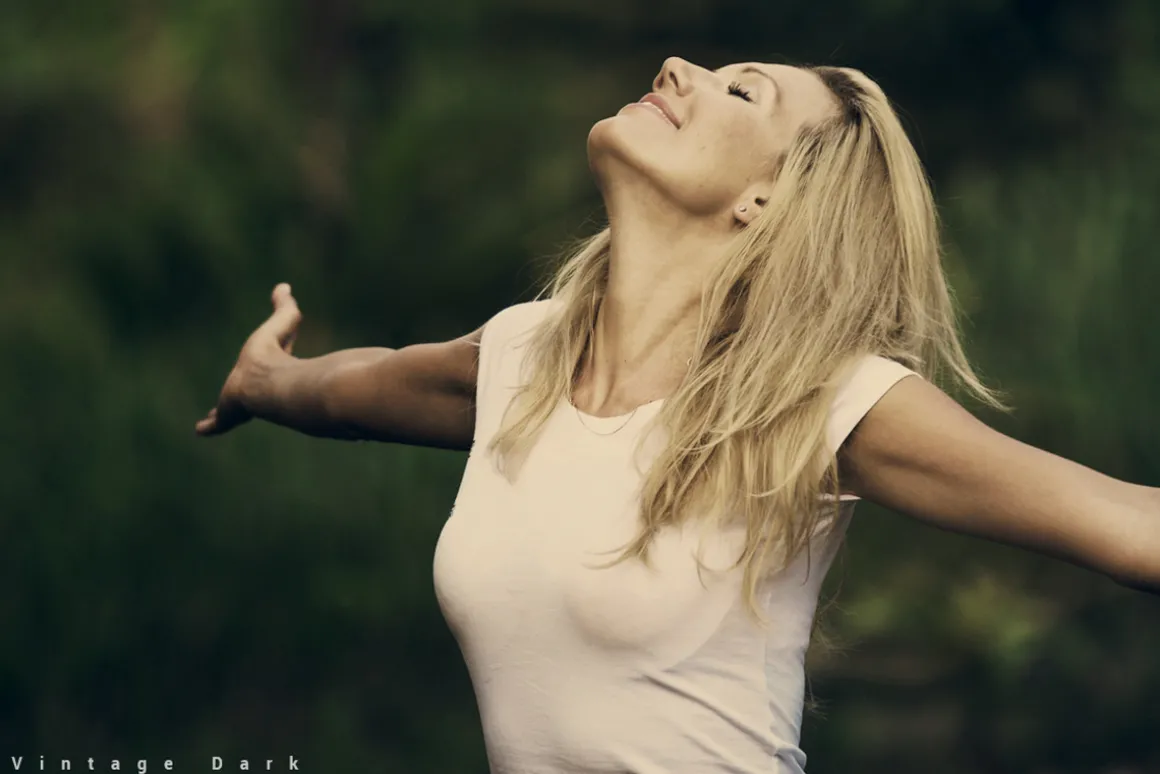
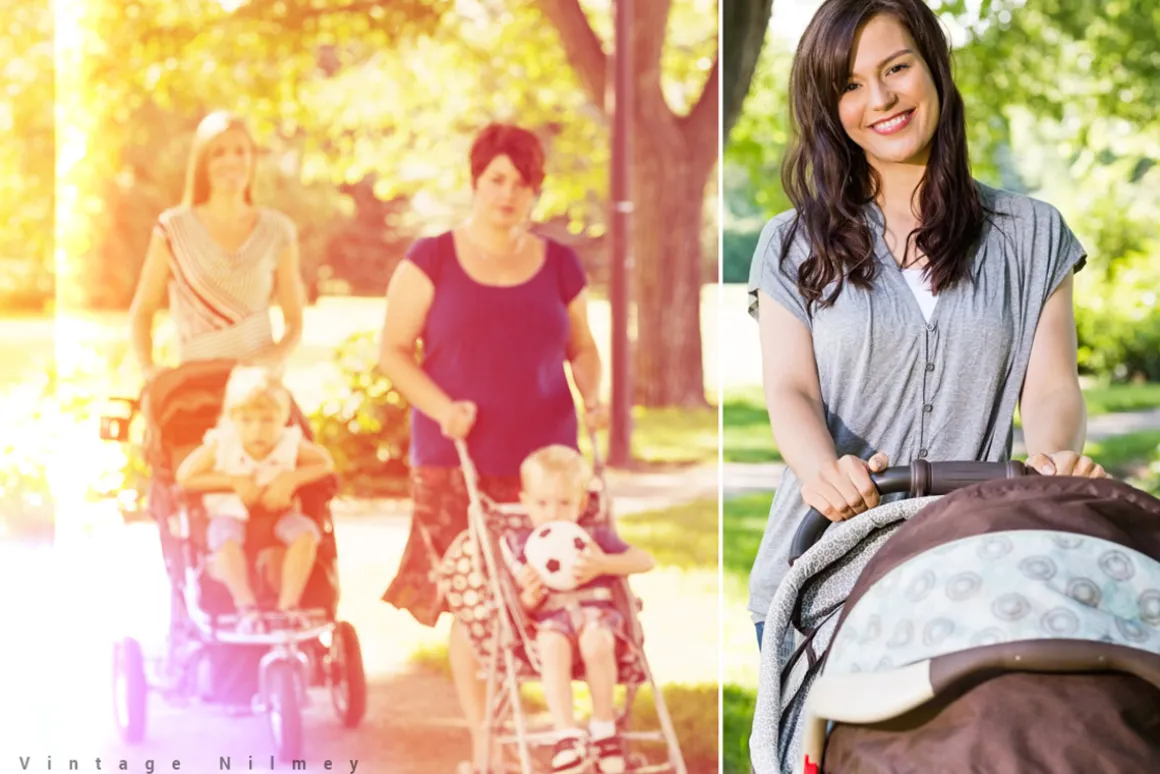
- Easy to transform your photos into realistic painted look
- Easy to use
- Well organised layers
- Fully editable layers
- Easy to customise
- Non-destructive actions
- Well documented instructions
- This action has been tested and works on Photoshop CS3, CS4, CS5, CS6, CC and CC 2014 (tested in English version)
- Recommended to use high resolution photo sizes between 1000 – 5000px (min resolution: 72dpi)
——————————————————————————————————————————————————————HOW TO INSTALL THE ACTION——————————————————————————————————————————————————————
-
1 Inside Photoshop, go to the ‘Window’ menu and select ‘Actions’. A windowwill now appear to the right hand side.
-
2 Inside the Actions window, click on the top right hand corner icon to revealthe drop down menu. From here select ‘Load Actions…’. Select the action whichcame with the download.
-
3 The action will now appear in the actions panel.
——————————————————————————————————————————————————————HOW TO USE THE ACTION——————————————————————————————————————————————————————
-
1 Open a photo to work with
-
2 Leave the photo layer locked and set as the background. Also make sureyour photo is in RGB color mode. To check this, go to the ‘Image’ menu, thenselect ‘Mode’ and ensure ‘RGB’ is selected.
-
3 play and enjoy 🙂
| Size | Commercial, Extended Commercial, Personal |
|---|
Be the first to review “80+ Vintage Actions”
Related products
Brushes
Brushes & Effects
Brushes
Brushes
Brushes & Effects

Brushes & Effects

Adobe Lightroom
Adobe Photoshop
Adobe Photoshop
Brushes
Brushes & Effects
Adobe Lightroom
Brushes & Effects
Brushes
Brushes
Brushes
Reviews
There are no reviews yet.