

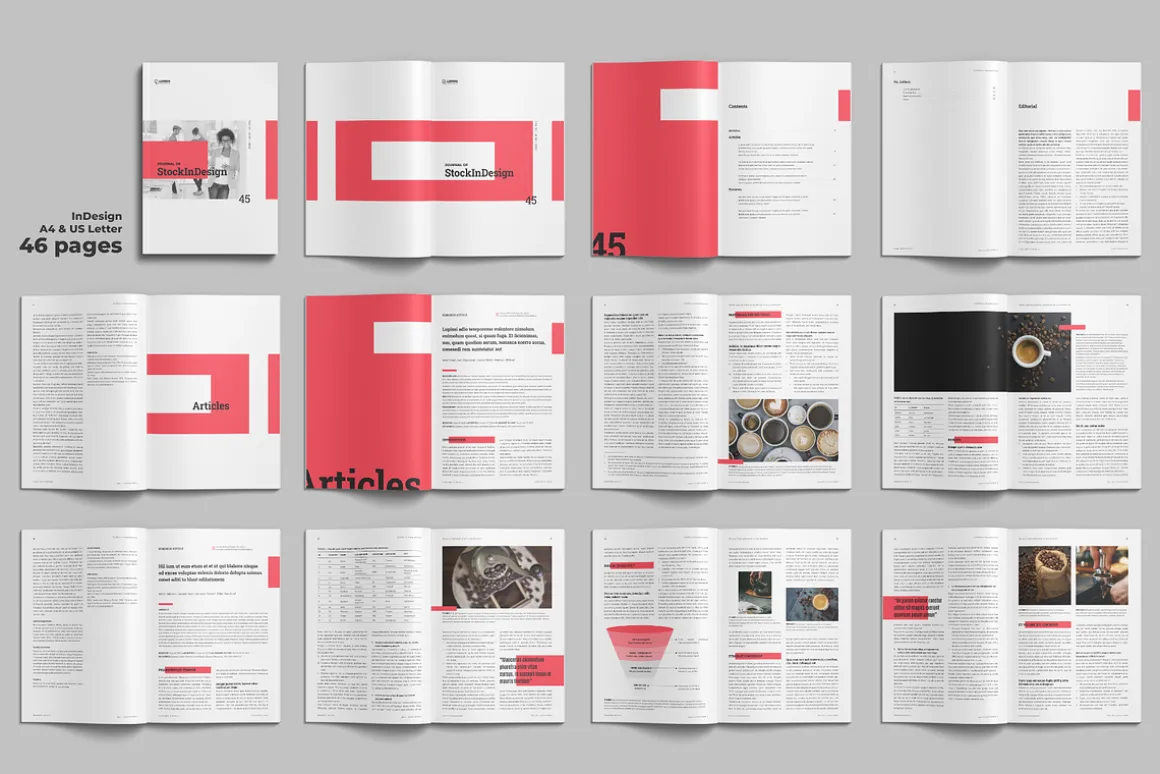


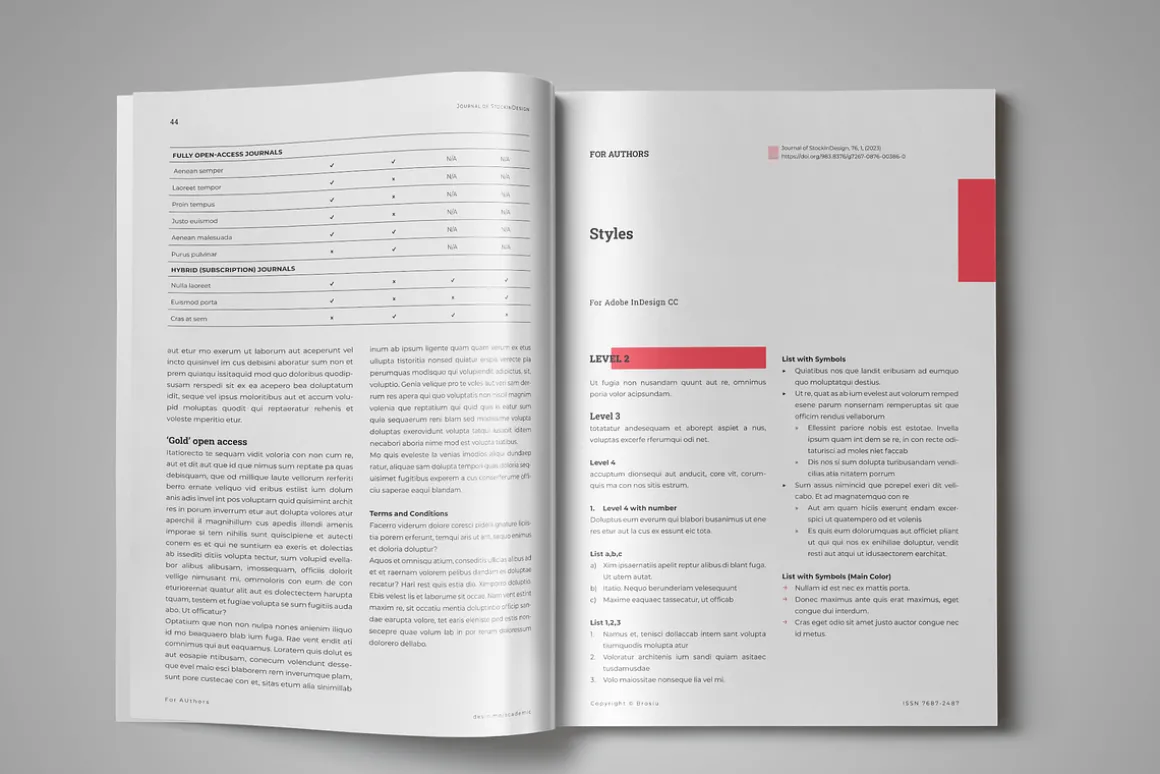

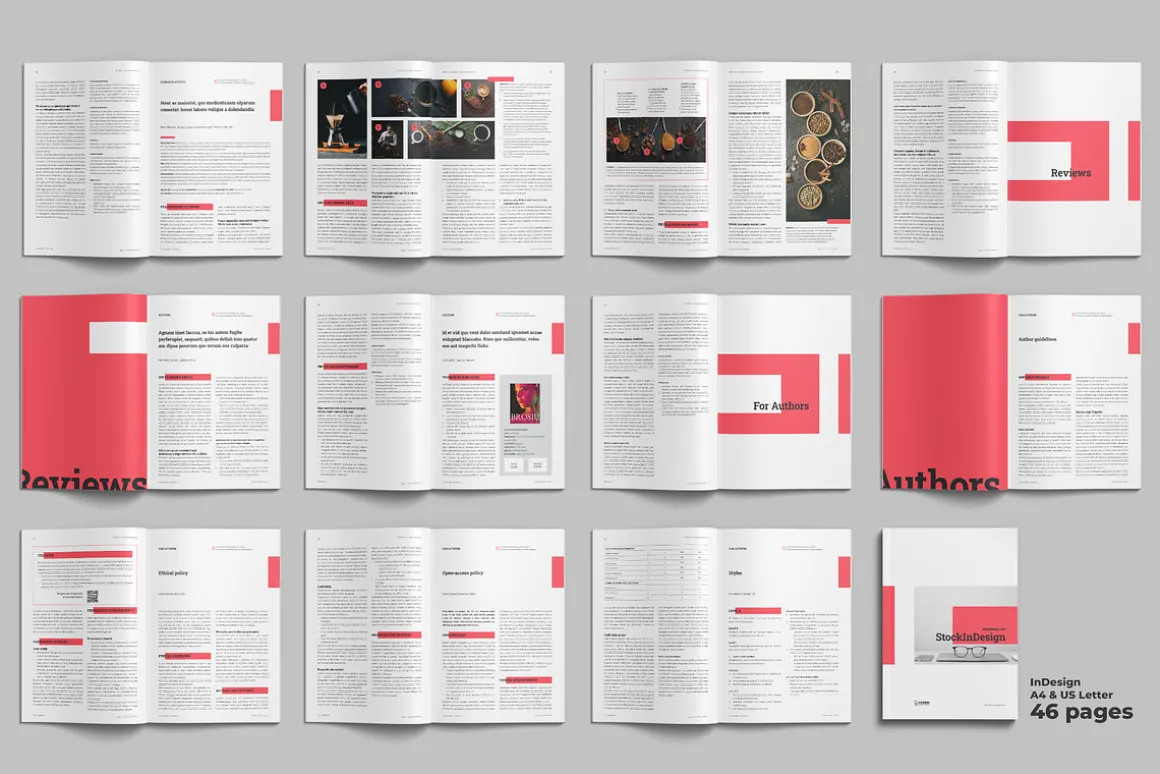














Academic Journal Template
Original price was: 30,00 $.22,99 $Current price is: 22,99 $.
About
One of the most significant advantages of using Adobe InDesign to design your academic journal layout is the software’s precision and control. InDesign allows for precise control of typography, spacing, and alignment, ensuring that your journal’s layout is consistent and visually appealing. Additionally, the software’s grid system provides a structure for organizing content and creating a hierarchy of information that guides readers through the publication.
LIVE PREVIEW →
PRODUCT FEATURES
- InDesign Template
- 36 pages
- A4 & Us Letter size + Bleed
- Facing Pages
- Easy to Use
- Free font used
- Change the Main Fonts
- Change the Main Color
- Baseline Grid
- Multi Grid Columns
- Support in English & Spanish
- Tutorials & VideoTutorials
REQUIREMENTS
- Adobe InDesign CC
FILE INCLUDED
- Adobe InDesign files .IDML ( CS4/CS5/CS5.5/CS6 & CC )
- Adobe InDesign files .INDD ( CC 2020 )
- Help File
RELATED TEMPLATES
- Journal Academic Template Nº1 →
- Journal Academic Template Nº2 →
- 10 Covers for Journal Academic in Adobe Illustrator →
- Photographs and Mockups are used for demonstration purposes only and are not included in the final download.
| Pick | Commercial, Extended Commercial, Personal |
|---|
Be the first to review “Academic Journal Template”
Related products


Powerpoint

Brochures


Keynote




Templates


Device Mockups


Device Mockups


Device Mockups


Apparel Mockups


Holidays & Events


Cover Letters


Holidays & Events


Magazines




Books & Magazines
Reviews
There are no reviews yet.