

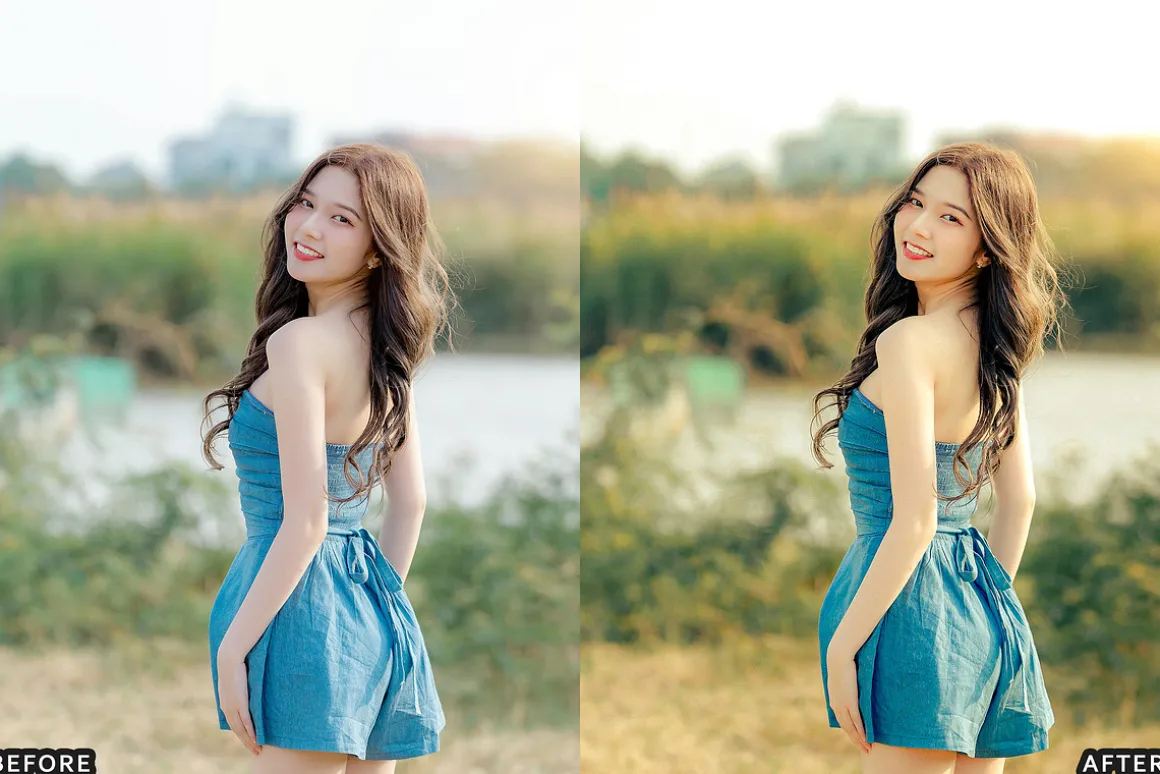
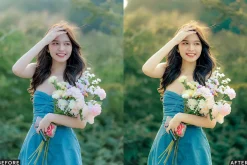
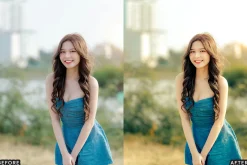
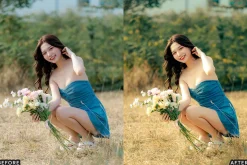
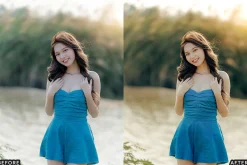
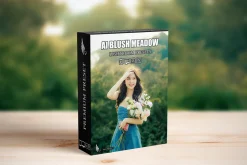
Blush Meadow Tones Lightroom Presets
10,89 $
About
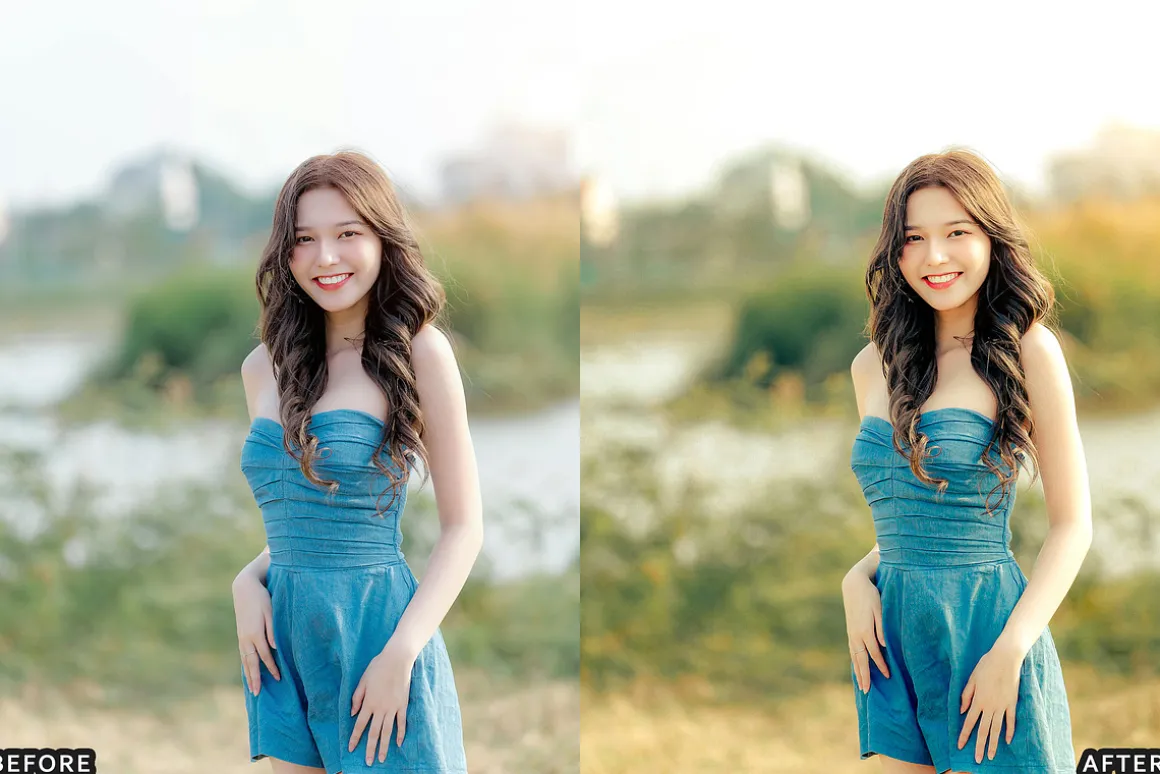
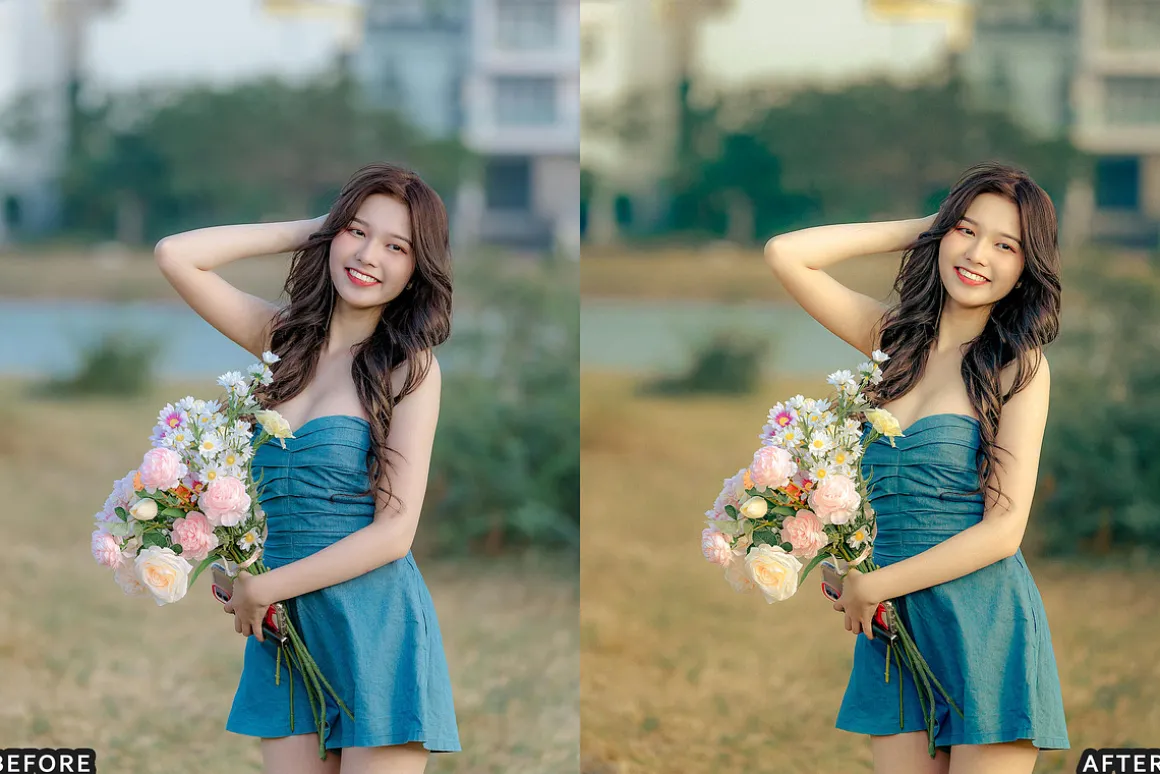
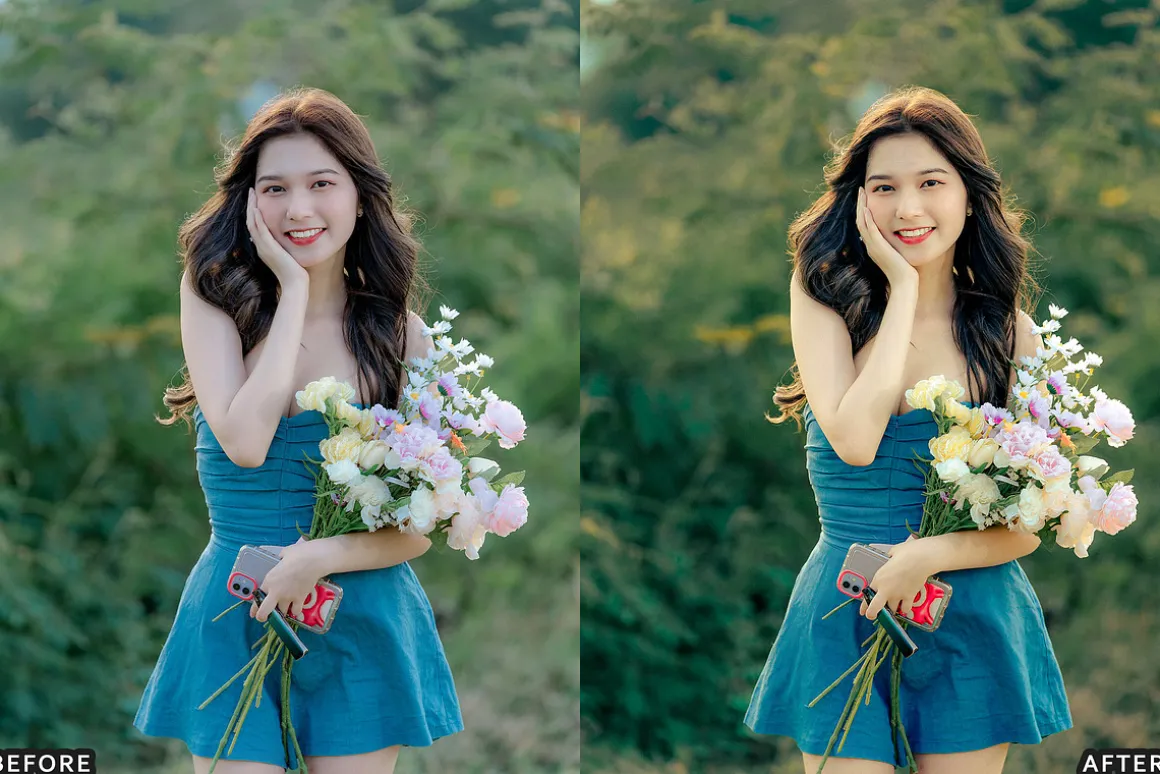
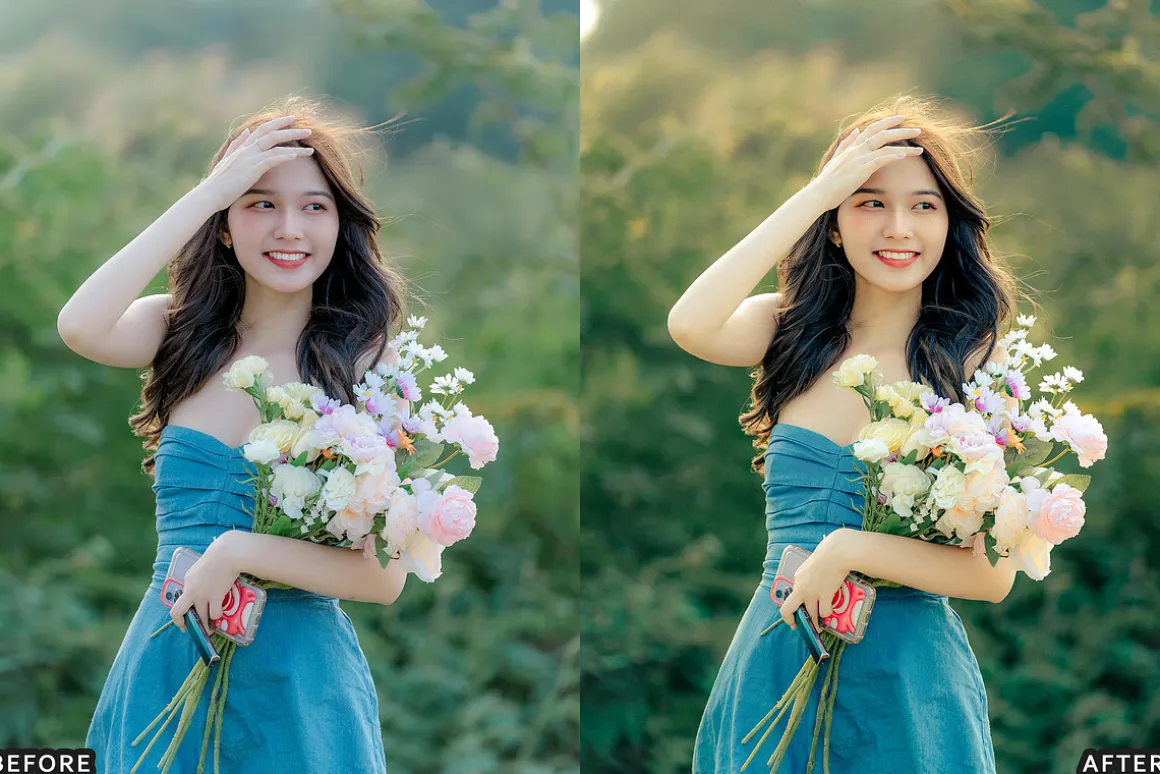
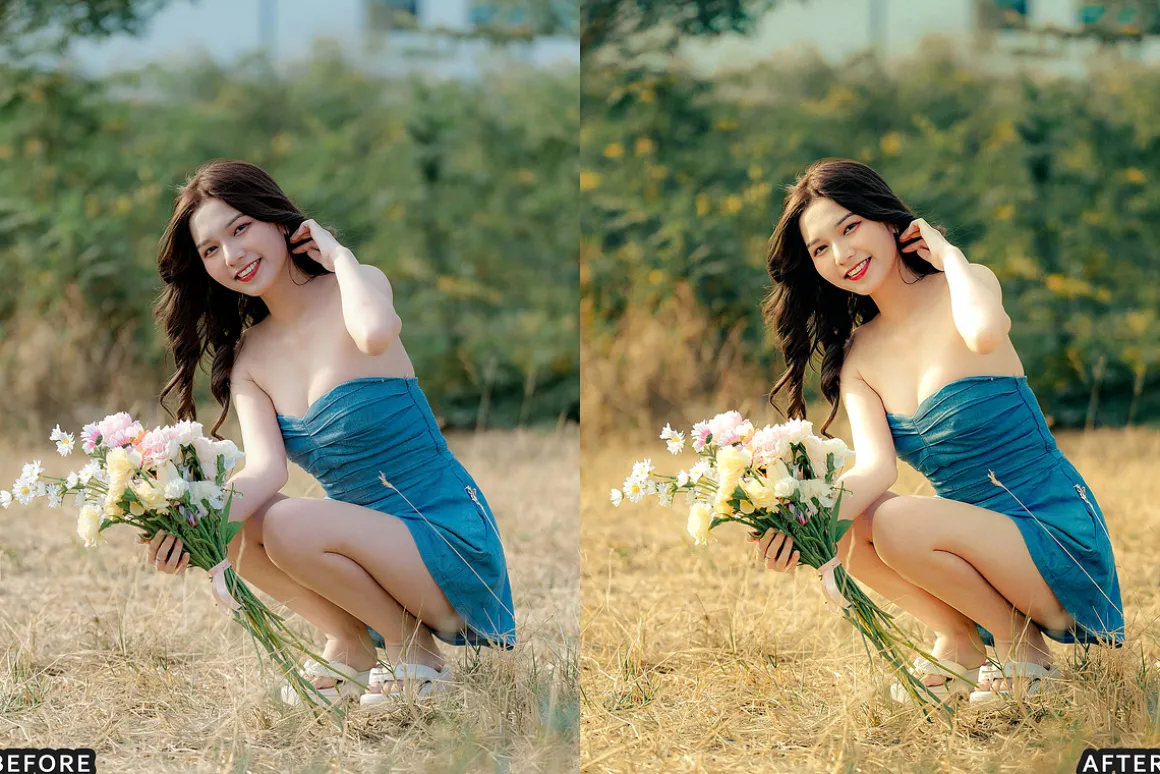
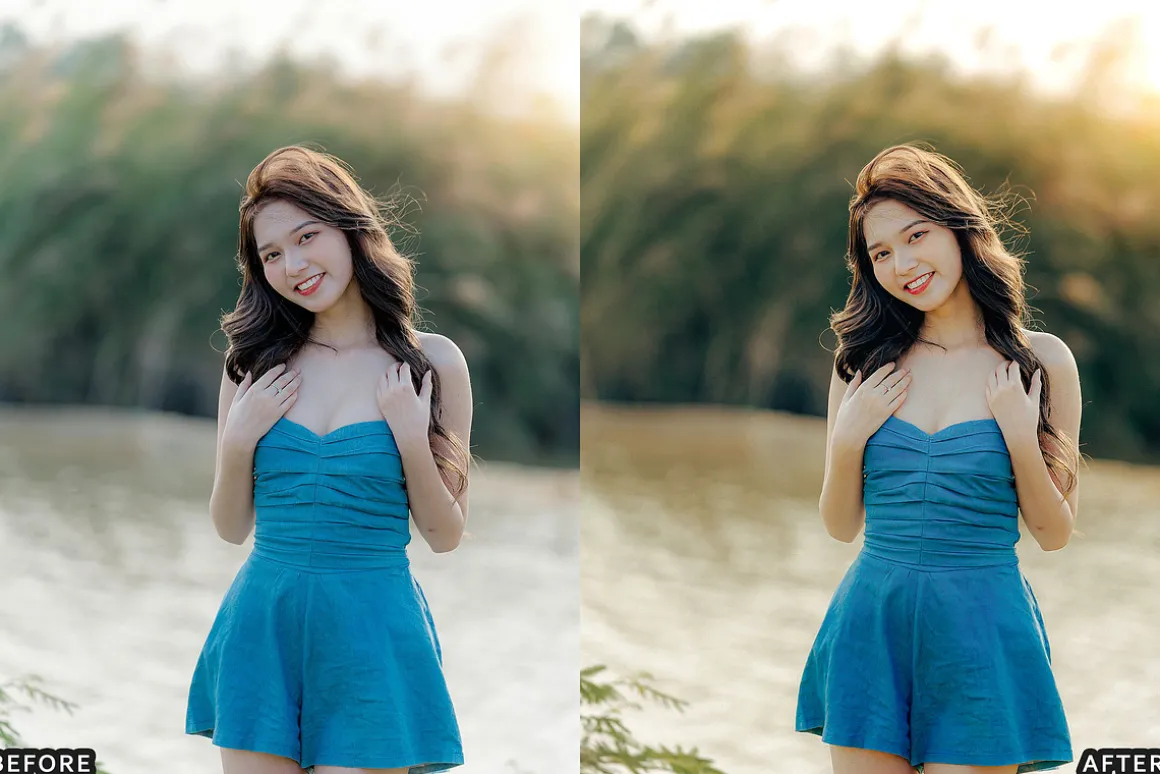
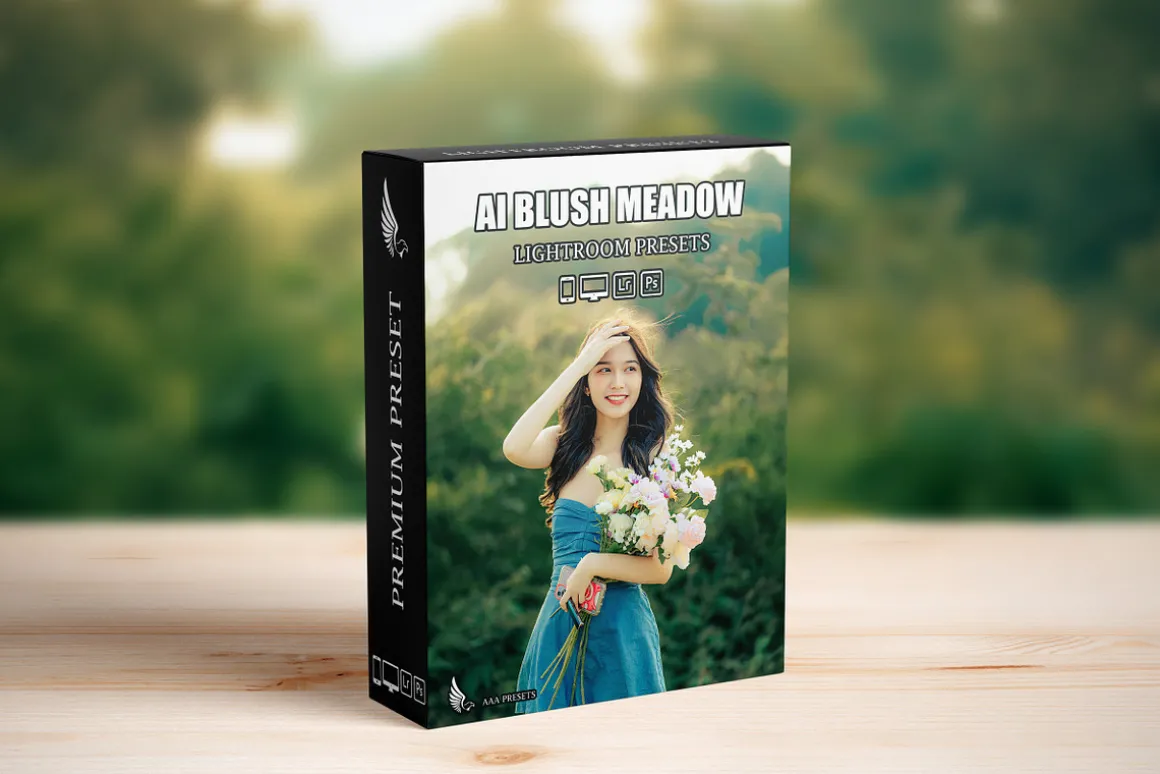
AI-Optimized Blush Meadow Tones Lightroom Presets (13 DNG + 13 XMP)Soft romantic blush tones, pastel light, and dreamy cinematic warmth for weddings, portraits, and outdoor lifestyle.
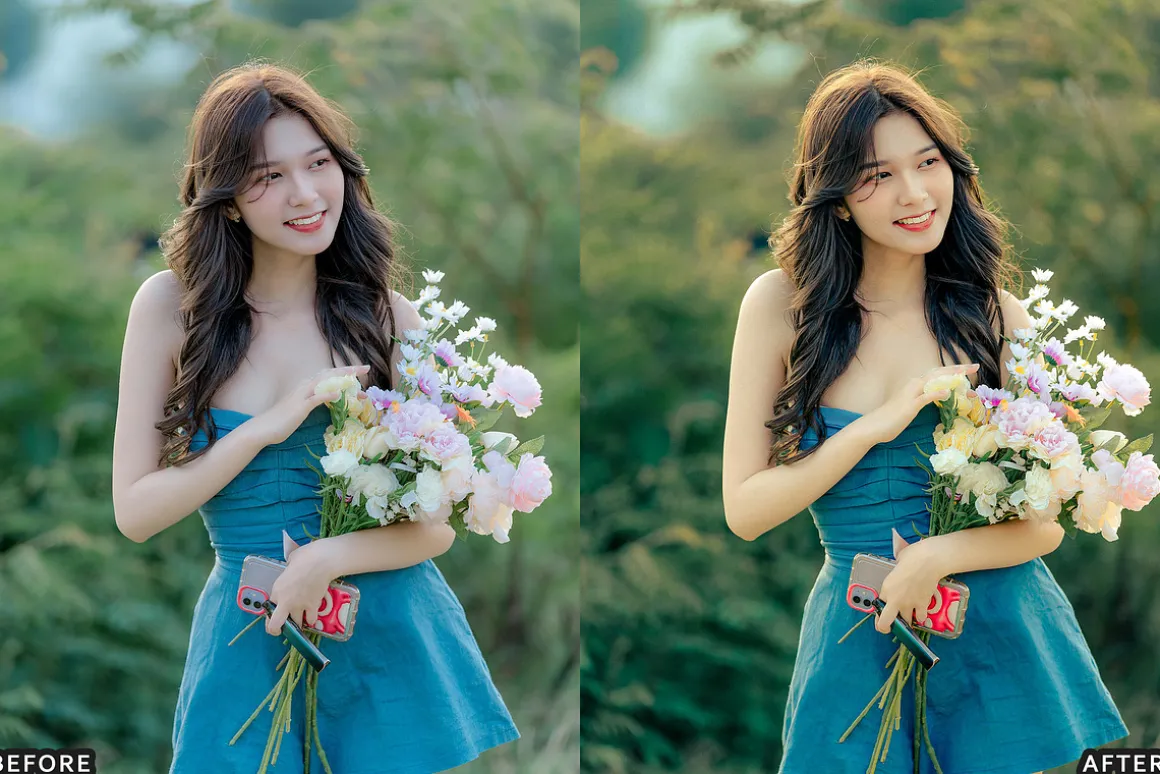
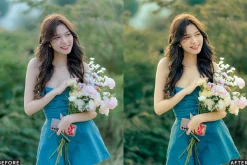
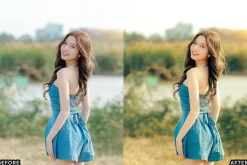
Infuse your photos with soft, romantic blush tones using the AI-Optimized Blush Meadow Tones Lightroom Presets. This preset pack is designed to create dreamy pastel-inspired edits by enhancing natural light, bringing out delicate pink hues, and adding a gentle cinematic atmosphere—while keeping skin tones clean and details soft but sharp.
Perfect for weddings, engagements, golden hour portraits, floral scenes, and romantic outdoor storytelling.
KEY FEATURES
- AI-optimized color grading for blush, pastel, and romantic photo edits
- Enhances blush pink tones, soft shadows, and warm highlights
- Creates a dreamy pastel look without washing out details
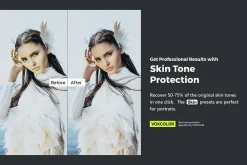
- Preserves natural skin tones and smooth light gradients
- Balanced contrast for daylight, golden hour, cloudy light, and sunset
- One-click editing with fully adjustable settings
PERFECT FOR
- Wedding and engagement photography
- Portraits and outdoor lifestyle sessions
- Floral, meadow, and spring nature scenes
- Romantic couple shoots and storytelling content
- Social media, blogs, and professional portfolios
WHAT YOU GET
- 13 Lightroom Presets in XMP format (Lightroom Classic, Lightroom Desktop, Adobe Camera Raw)
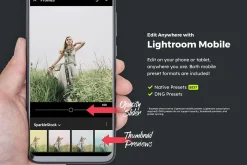
- 13 Lightroom Presets in DNG format (Lightroom Mobile for iOS & Android)
- Step-by-step installation guide
- Works with RAW and JPEG images
- Optimized for natural light and pastel outdoor environments
COMPATIBILITY
- Adobe Lightroom Classic (XMP)
- Adobe Lightroom Desktop (XMP)
- Adobe Lightroom Mobile (DNG)
- Adobe Camera Raw / Photoshop (XMP)
- macOS and Windows
HOW TO USE
- Import your photos into Lightroom (Desktop or Mobile)
- Apply one Blush Meadow Tones preset from the pack
- Adjust exposure and white balance if needed
- Fine-tune highlights, shadows, and contrast to match your style
- Export and share your soft, romantic blush photos
WHY CHOOSE THESE PRESETS
- Consistent blush-pastel look across your gallery
- Saves time with AI-optimized one-click edits
- Beginner-friendly with professional results
- Designed for weddings, portraits, and romantic outdoor lighting
HELPFUL TIPS
- Use well-exposed photos for best results (RAW recommended)
- If the image feels too warm, cool white balance slightly
- For extra softness, reduce clarity a touch and lift shadows slightly
| Size | Commercial, Extended Commercial, Personal |
|---|
Be the first to review “Blush Meadow Tones Lightroom Presets”
Related products

Brushes
Brushes & Effects
Brushes & Effects

Adobe Illustrator
Brushes

Brushes
Brushes & Effects
Brushes & Effects
Brushes
Brushes & Effects
Adobe Illustrator

Brushes
Adobe Photoshop
Brushes & Effects

Brushes & Effects

Brushes
Reviews
There are no reviews yet.