

Landscape Drawing Procreate Brushes
Original price was: 11,00 $.7,99 $Current price is: 7,99 $.
About
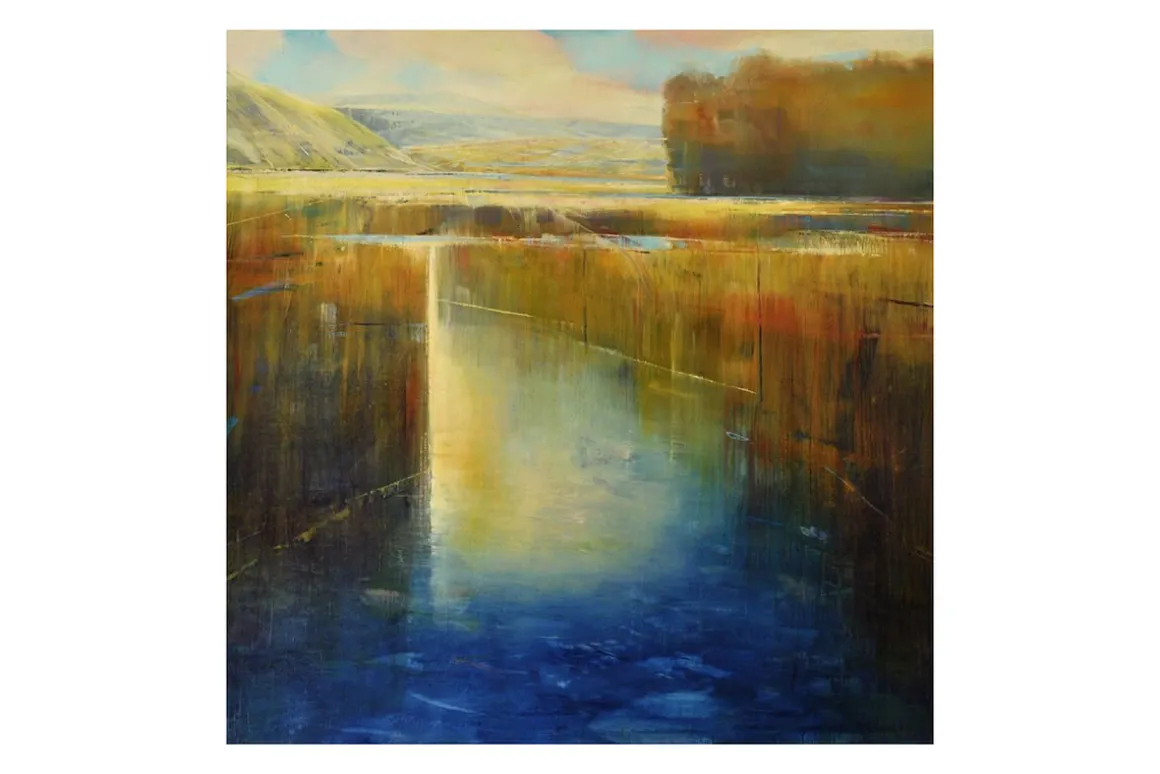
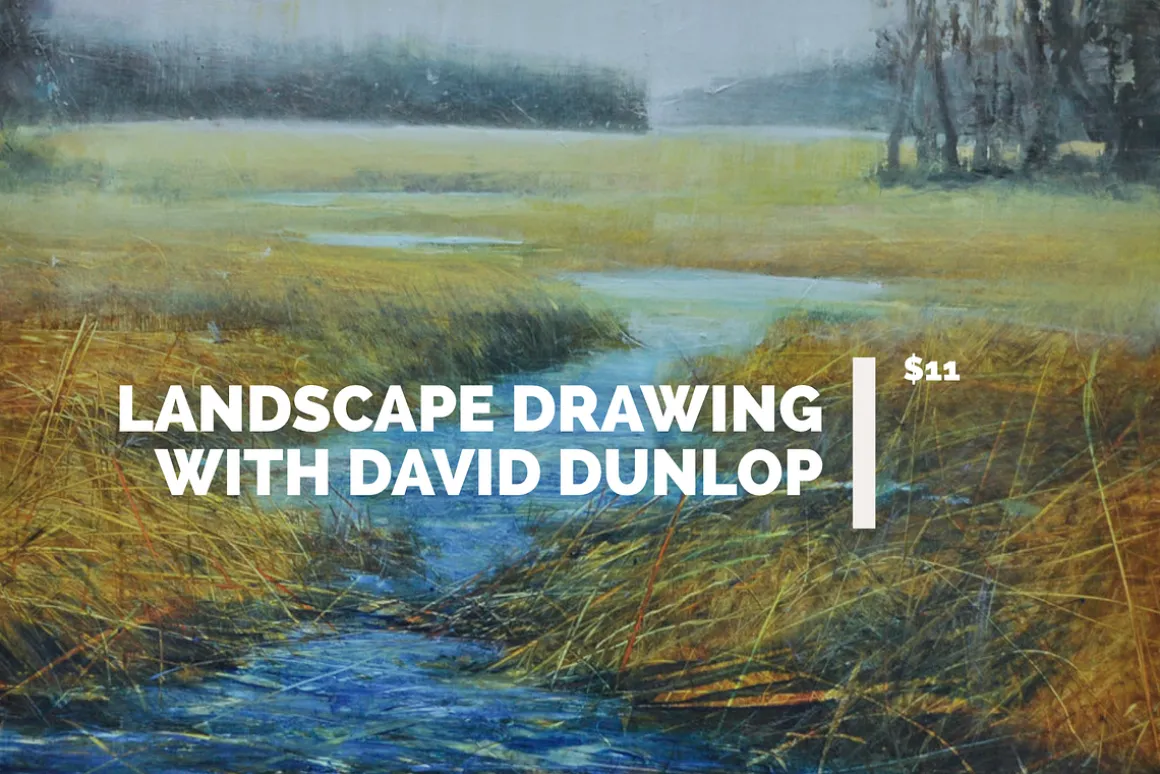
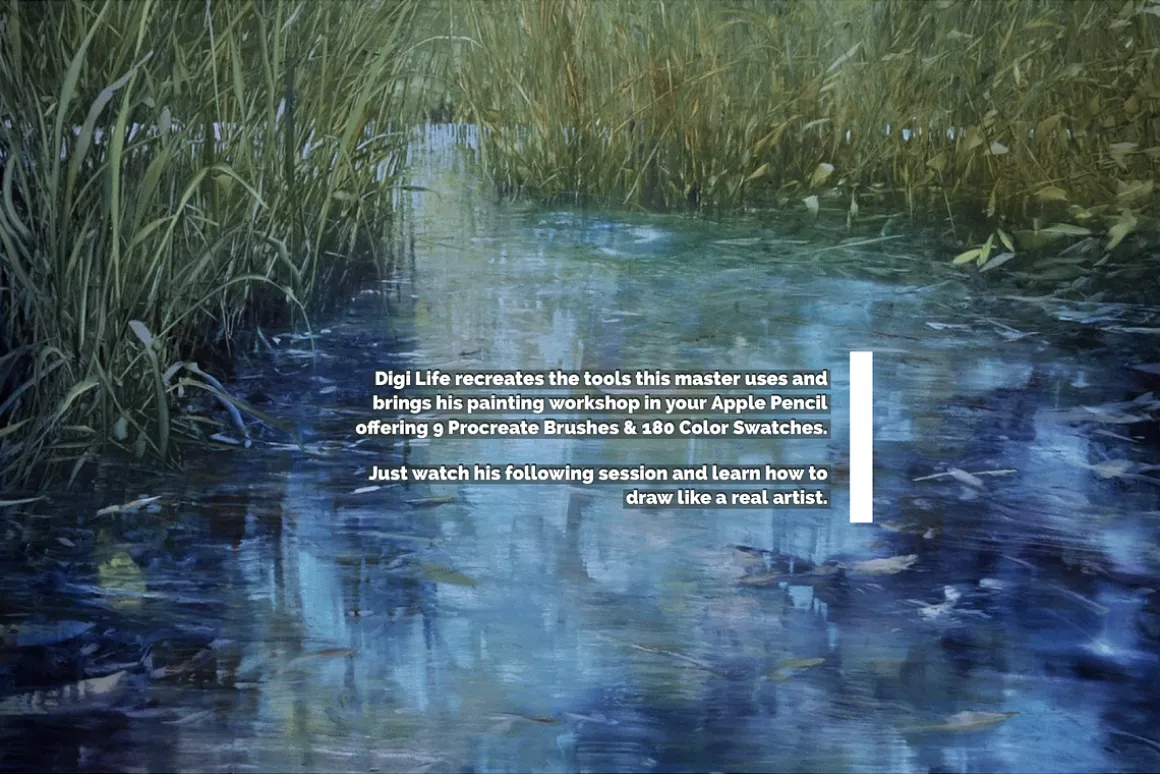
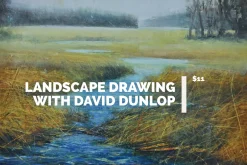
Landscape Drawing with David Dunlop Procreate Brushes & Color Swatches are specially designed for Illustrators and Graphic Designers.
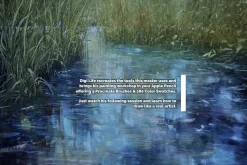
Watch the Studio Workshop Video in the preview to learn how to draw like David Dunlop on Procreate.
INCLUDES:
-
180 Landscape Procreate Color Swatches
-
9 David Dunlop’s Procreate Brushes: (.brush & .brushset)
- David Dunlop’s Wide Brush Tool
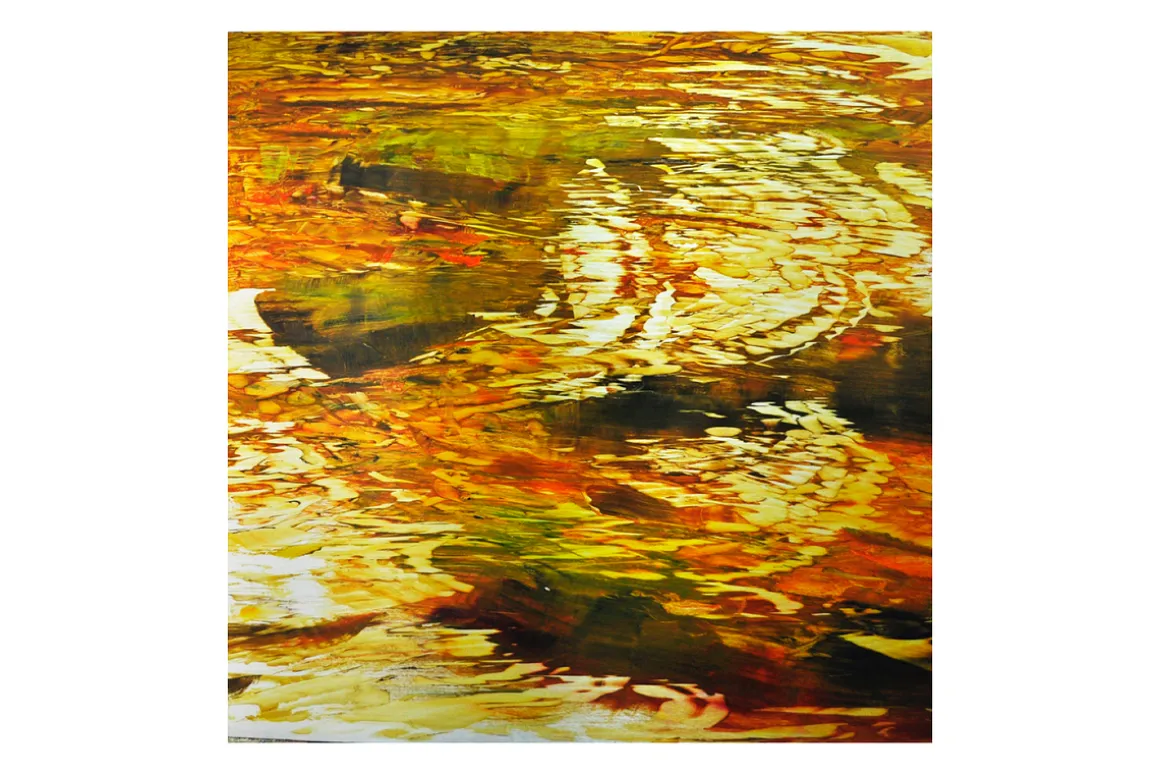
- David Dunlop’s Water Reflection (Use with Erase Tool)
- David Dunlop’s Trees (Works with Erase Tool)
- David Dunlop’s Textured Detail Brush
- David Dunlop’s Blurry Reflection (Use with Smudge Tool)
- David Dunlop’s Highlighter Brush (Pick Lighter Colors)
- David Dunlop’s Blending Brush (Use with Smudge Tool)
- David Dunlop’s Basic Oil Brush
- David Dunlop’s Squeegee Tool
Watch the Landscape Drawing Procreate Brushes & Color Swatches in action on the Digi Life Testing Video.
All images used in the preview are tagged under the David Dunlop Copyright and used for informational and educational purposes only. This product is not selling the author’s artworks.
Requirements:
- Apple Ipad
- Apple Pencil
- Procreate App for iPad
How to install and use procreate brushes:
To use these brushes you will need the IPad app Procreate (Latest version recommended) and the Apple Pencil (Ipad Stylus).
IMPORTANT: These brushes are compatible only with Procreate for iPad. They won’t work in Photoshop or other painting programs.
© 2021 Digi Life
| Pick | Commercial, Extended Commercial, Personal |
|---|
Be the first to review “Landscape Drawing Procreate Brushes”
Related products
Adobe Lightroom
Brushes & Effects
Brushes
Brushes


Brushes & Effects
Brushes
Brushes & Effects
Brushes & Effects
Adobe Photoshop
Adobe Photoshop
Brushes & Effects
Brushes & Effects
Brushes
Brushes
Brushes
Reviews
There are no reviews yet.