
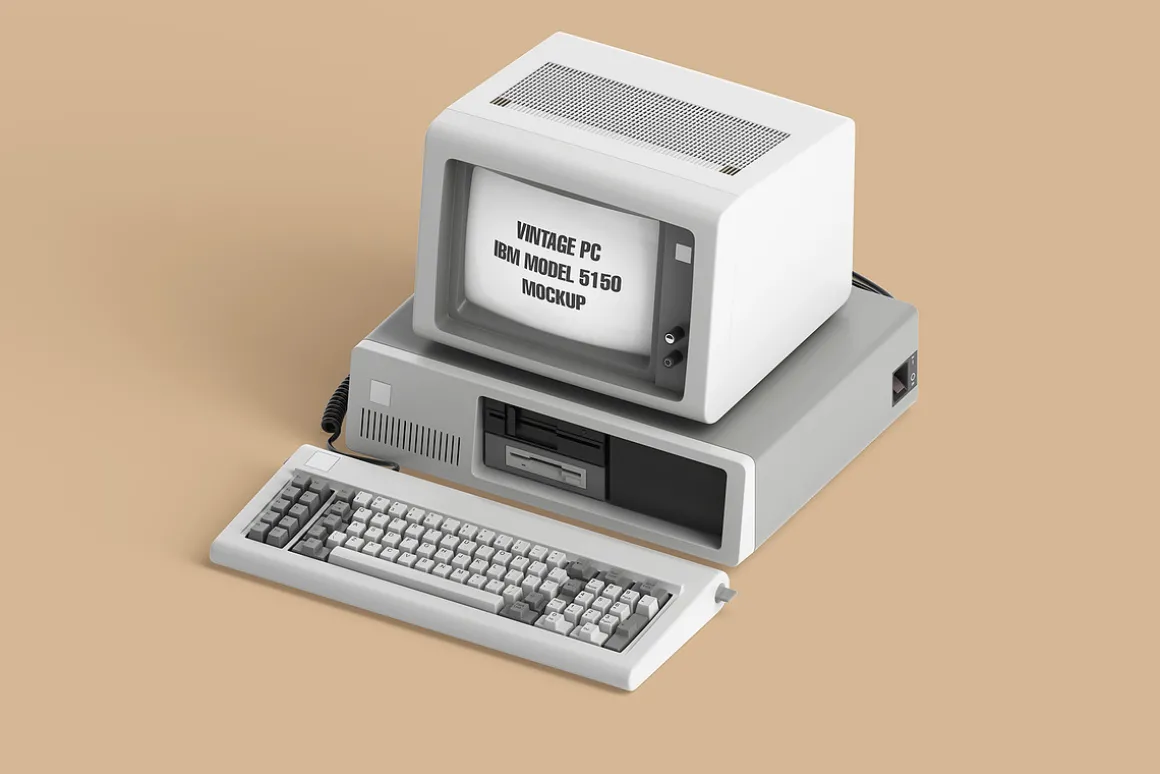
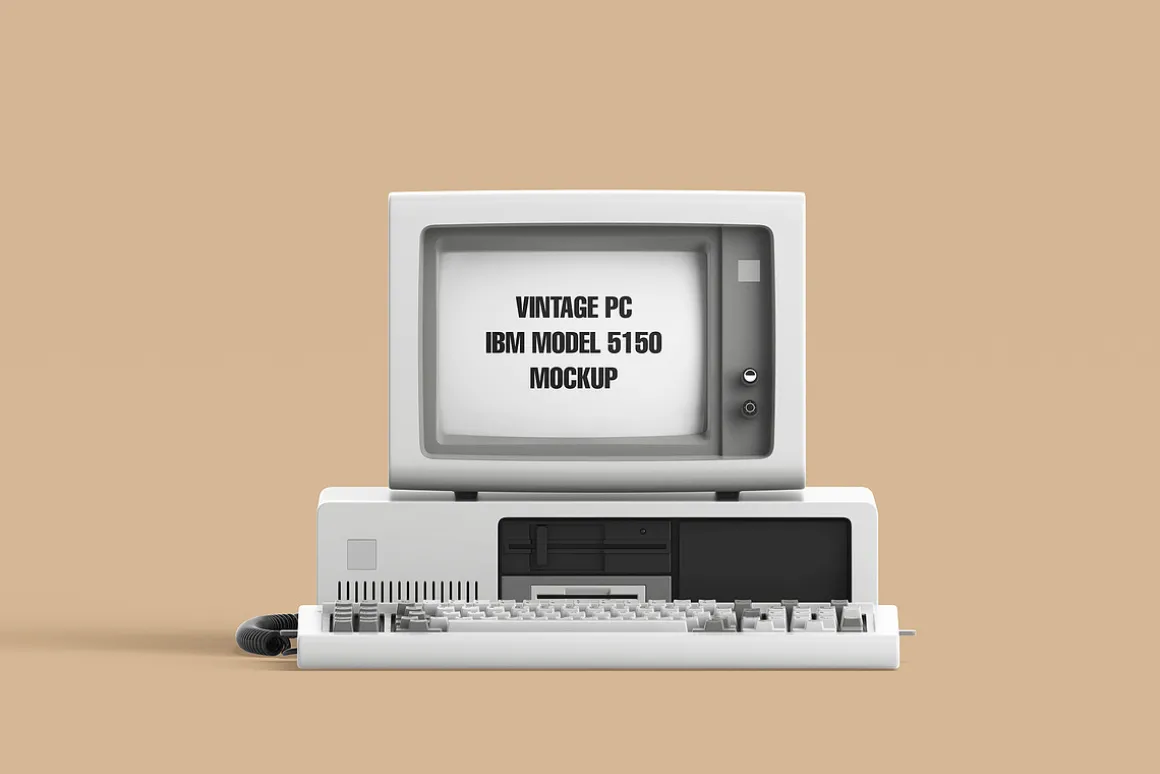
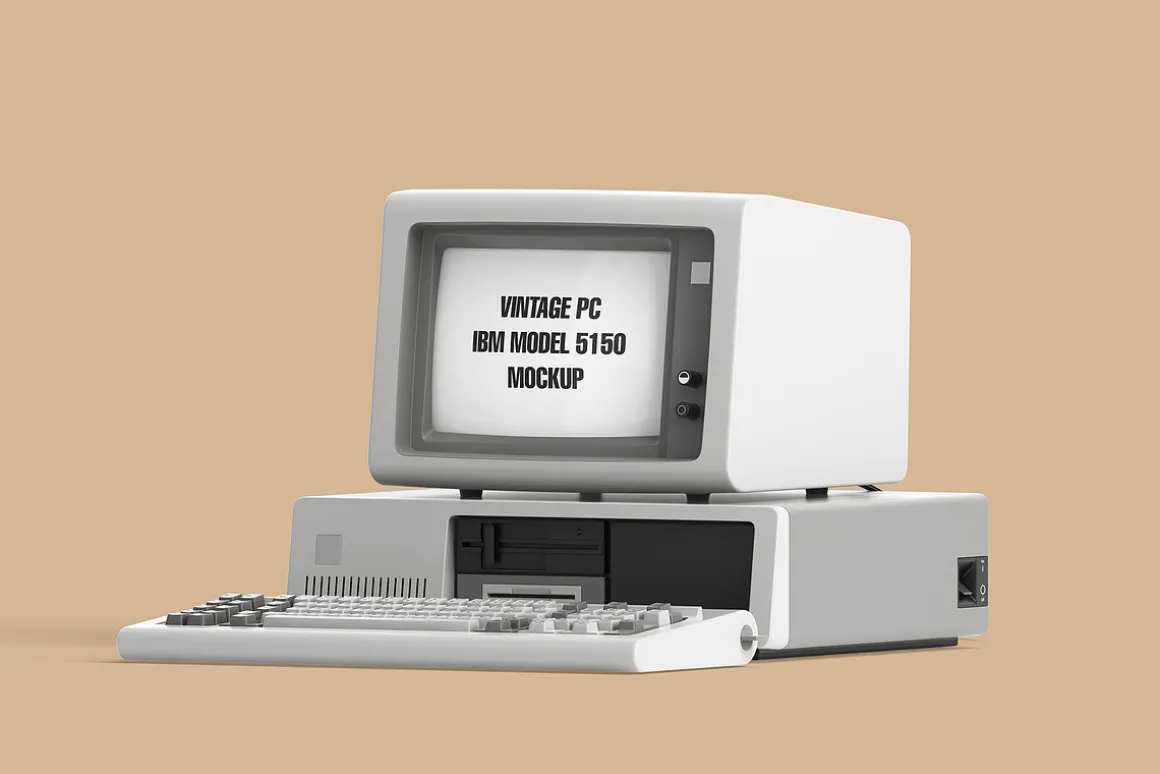
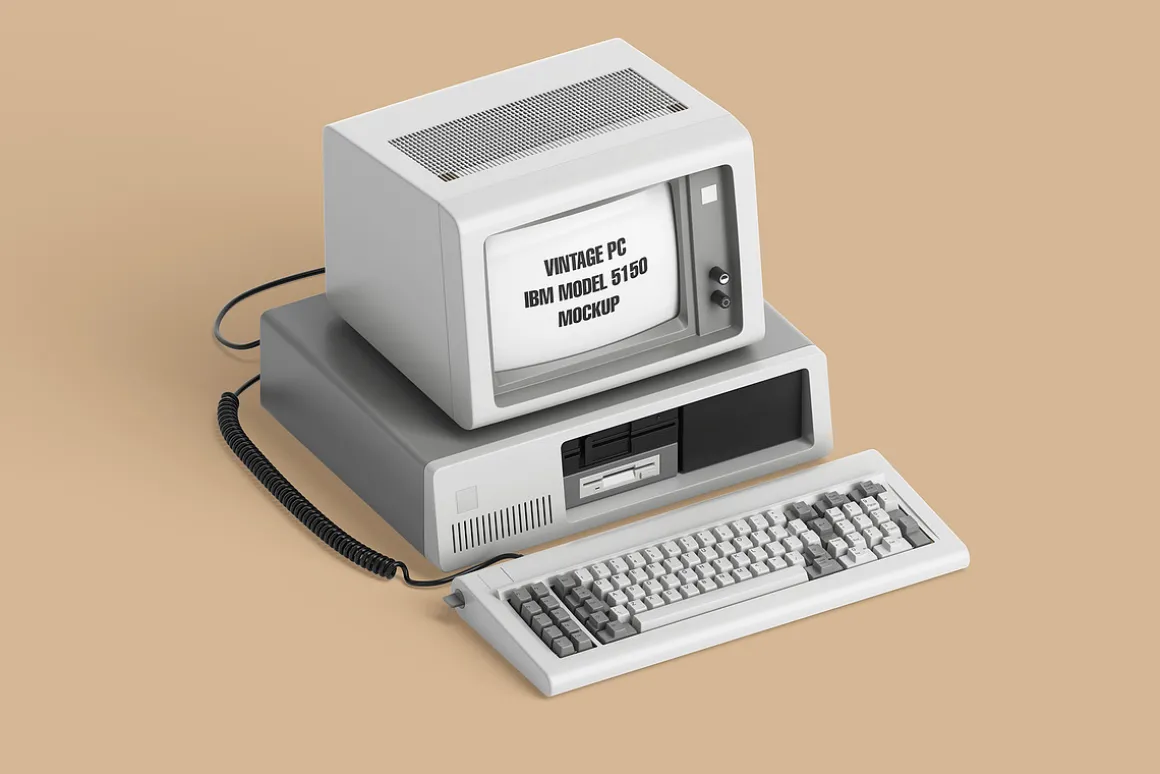
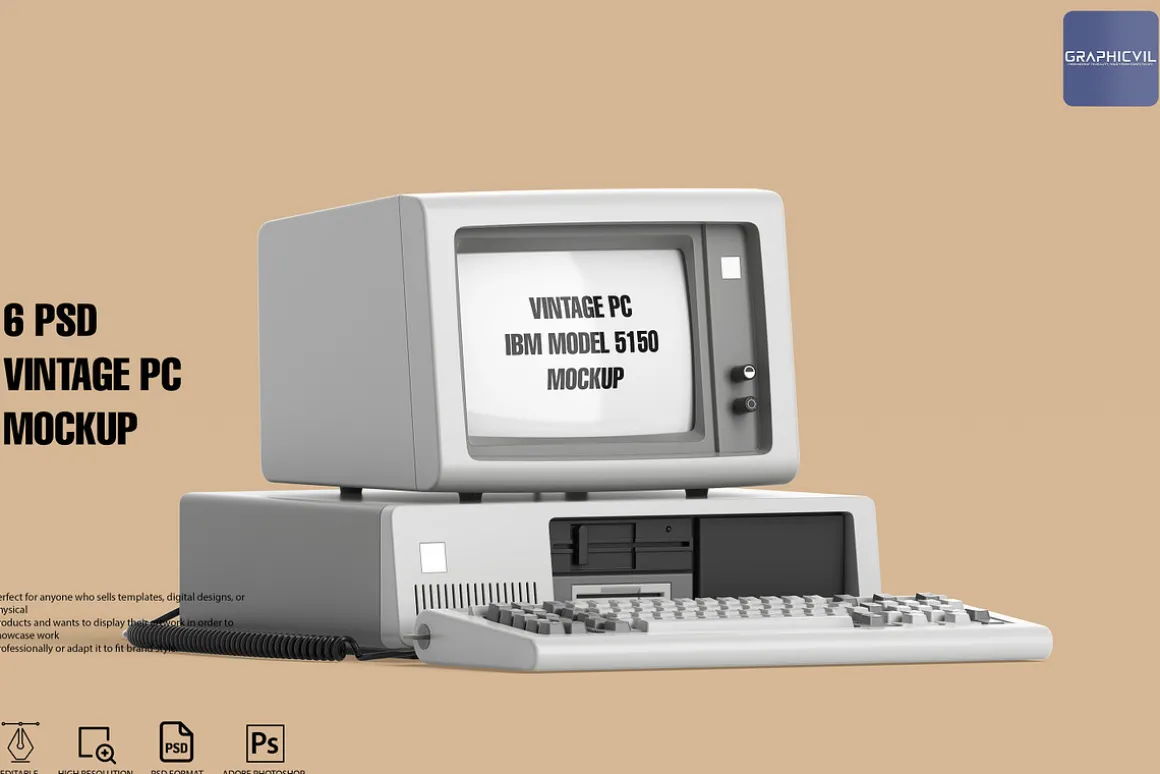
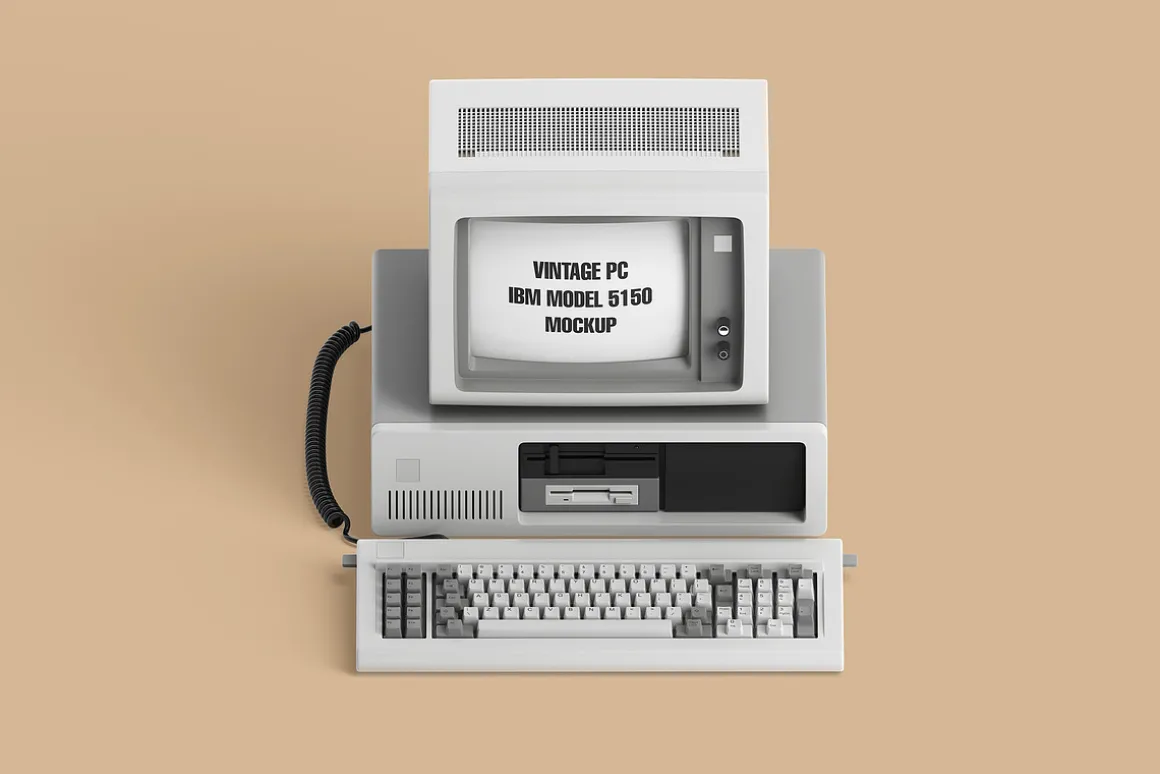
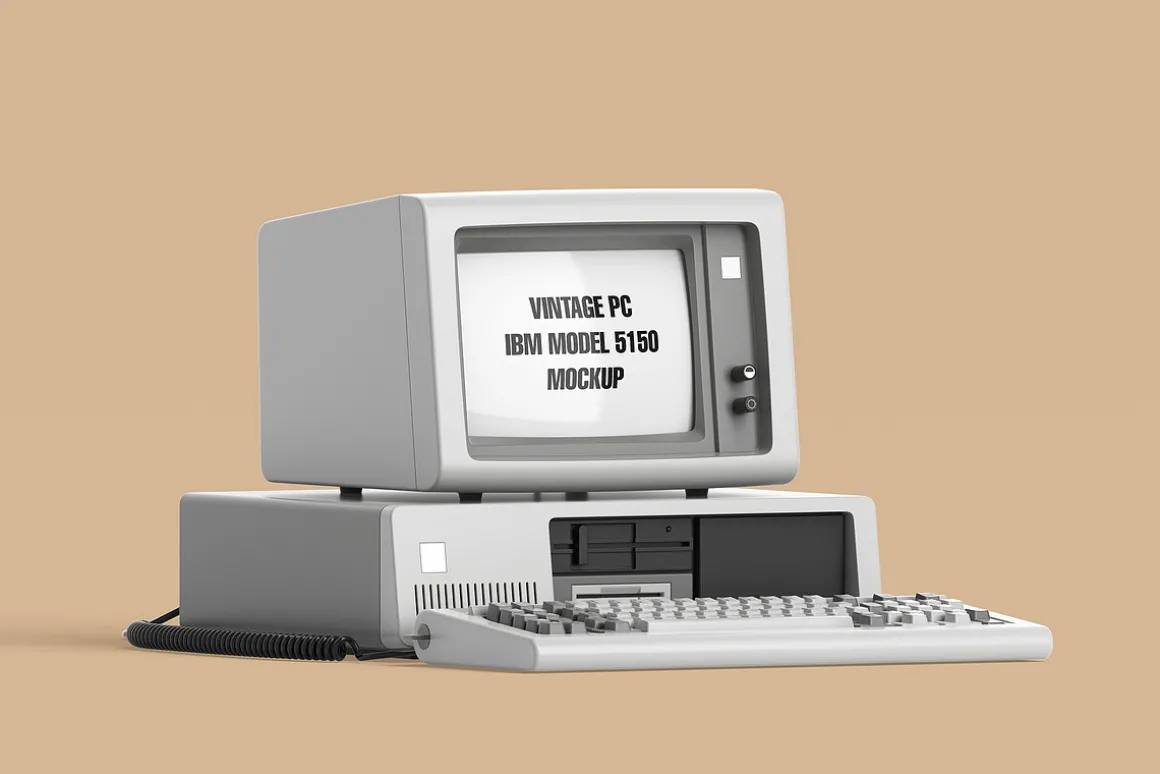
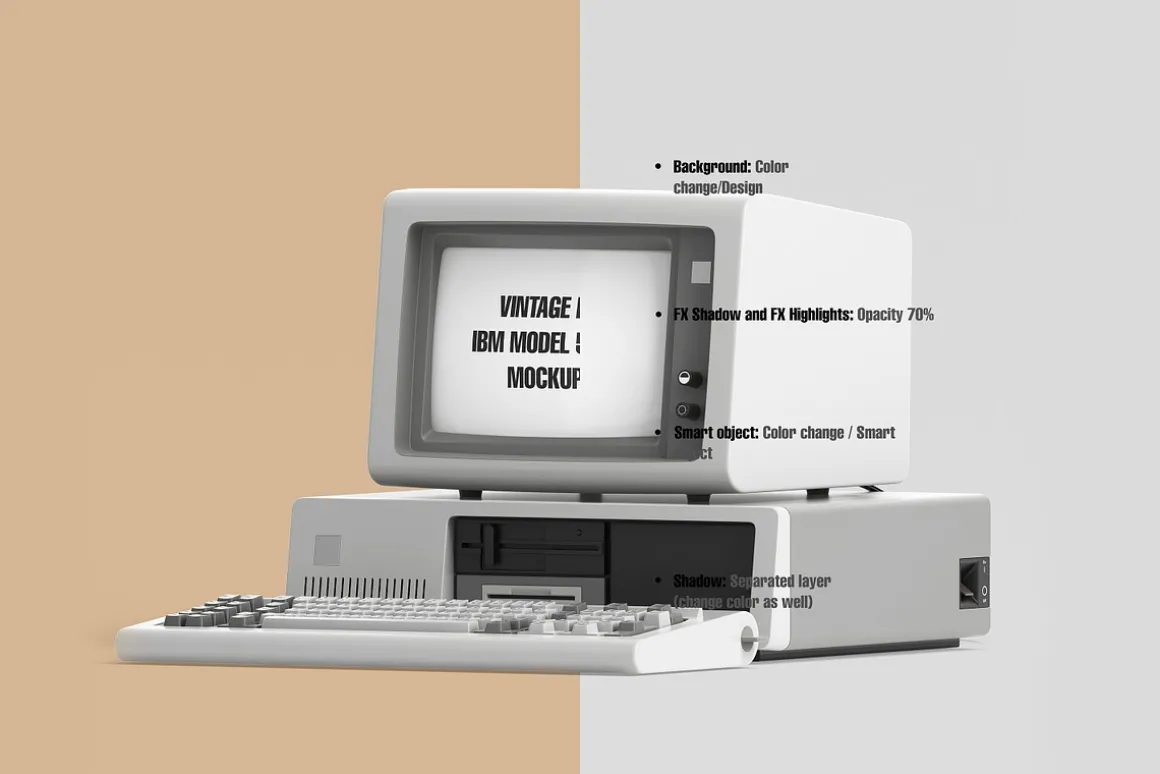
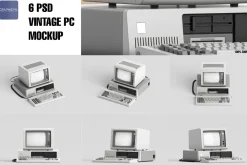
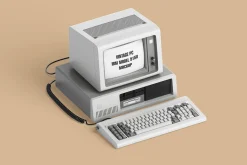
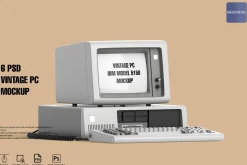
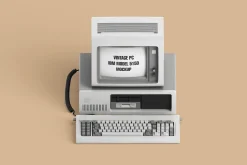
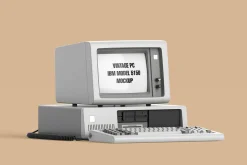
Vintage PC IBM Model 5150 Mockup
Original price was: 14,00 $.10,89 $Current price is: 10,89 $.
About
14.09.2024: UPDATE
- Resolution:6000×4000 (was 4500×3000).
- Regular smart object: 3d smart object is no longer supported.
- Optimized layers.
- Different formats are added: PSD, JPG, PNG
A digital product that offers a high-quality and fully customizable mock-up for various uses. The mock-up comes in different PSD files, allowing users to choose the angle and perspective that suits their needs.
This product provides a layered PSD file that can be edited easily using Photoshop. The mock-up is designed to be 100% Photoshop-based, which means users can use it without any additional software or plugins.
The high-resolution 6000×4000 300dpi image makes the mock-up perfect for presentations, portfolios, artwork showcase, and patterns. The mockup design offers a unique and visually appealing texture that can be used for different purposes.
The mock-up is delivered with a help folder, which includes instructions on how to use it and edit the files. Additionally, the product comes with 24/7 support via email at , ensuring users have access to any help they need.
Overall, the mockup is an excellent choice for anyone looking for a customizable and high-quality mock-up for their design projects.
Featured:
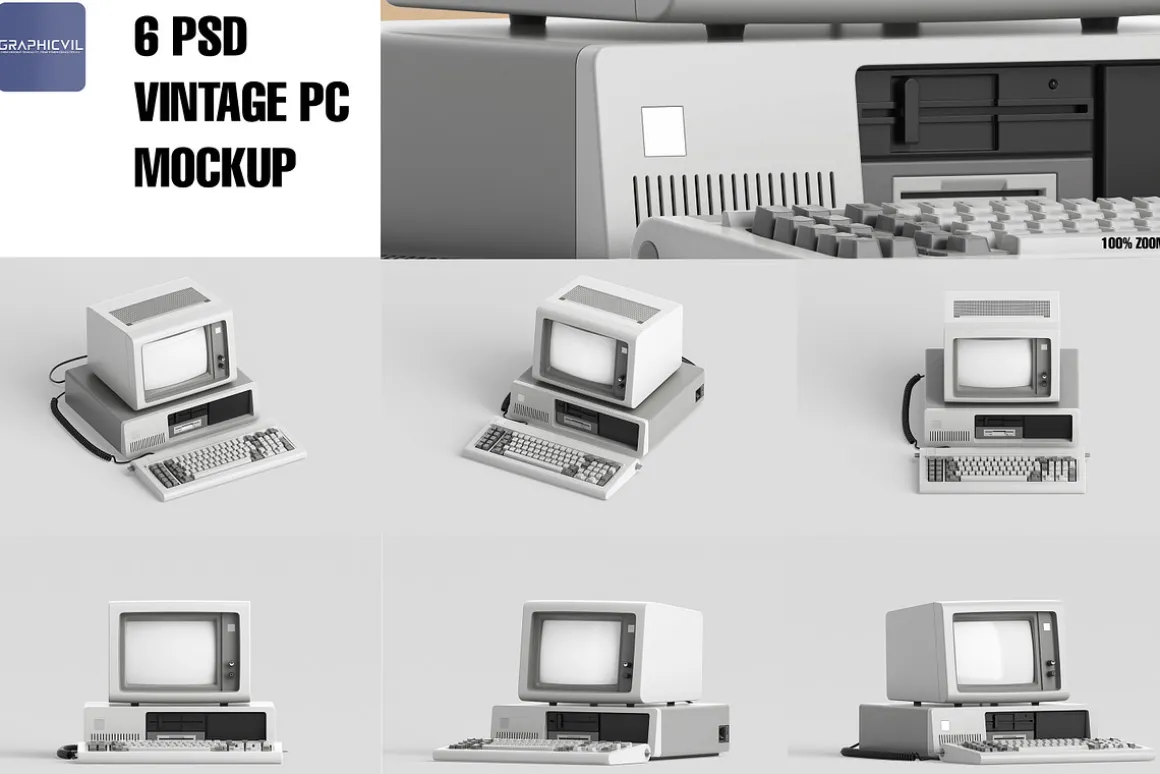
- 6 Different PSD, 6 Different PSD, 6 Blank white images, 6 PNG with transparent BG
- Completely customizable mock-ups. (Layered PSD files)
- Easy to edit.
- 100% Photoshop
- High resolution 6000×4000 300dpi
- Different angles
- Help folder.
- 24/7 support:
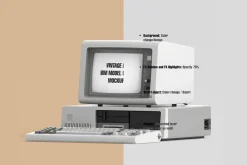
Below you will read what you can change:
- Smart objects
- Reflection
- FX Shadow
- FX Highlights
- Color: you can pick any color you need
- Shadow
- Background: all the objects are transparent
Created for professional usage, very detailed and great for designers. Great for web design, landing pages, app and mobile design. Handy for professional commercial and also freelance or even personal presentations. This is a must for designers, entrepreneurs, startups and students. View the product screenshots for more details.
How to use:
0 – Open the “READ ME” file for better details.
1 – Open downloaded files inside Photoshop CS 5 and above.
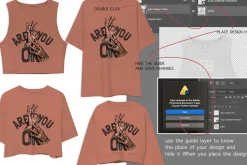
2 – Locate layers called (Your work). Double Click it.
3 – A new panel will open with the screen in blue. Place your own artwork/images on the current photoshop tab/screen.
4 – Click to close this window and when asked if you want to save, click Save.
5 – Now your design/image/artwork will be visible on your object.
6 – Choose the object you want to use, move it, scale it, adjust it as you like.
7 – Once you’re happy with the results, you are done. To change the image again just repeat the same steps. It’s very easy!
Thank you for your time and do not forget we are always ready to help you with our mock-ups!
| Size | Commercial, Extended Commercial, Personal |
|---|
Be the first to review “Vintage PC IBM Model 5150 Mockup”
Related products
Job Search
Landing Pages

Holidays & Events
Powerpoint
Templates
Holidays & Events

Apparel Mockups
Device Mockups

Cover Letters
Device Mockups
Keynote

Business Cards
Magazines
Reviews
There are no reviews yet.